


Skip to content
OneCAD Vietnam
Get a quote

AutoCAD Mechanical

AutoCAD built for mechanical design and manufacturing. Created for mechanical engineering, AutoCAD Mechanical includes all the functionality of standard AutoCAD plus a huge library of standard mechanical parts and tools that speed up mechanical CAD drafting.

CONTACT USDOWNLOAD FREE TRIAL
or call 0919-019-964

With AutoCAD Mechanical, or more precisely "AutoCAD Full + Mechanical Tools", you get two AutoCAD applications installed (each runs independently):

  • AutoCAD Full: the standard AutoCAD version, supporting 2D & 3D
  • AutoCAD Mechanical: the version built for mechanical engineering, with every AutoCAD Full feature plus a library of more than 300,000 standard mechanical parts and tools that help you set up mechanical CAD drawings.

Buy AutoCAD Mechanical
AutoCAD Mechanical License

Call now: 0919-019-964

for the best quote!

⚠️Note: Autodesk currently licenses software to businesses only, not to individuals. Please include your company details when you request a quote so we can offer you the best price.
OneCAD Vietnam is Autodesk's highest-tier partner in Vietnam and is committed to offering the best price on the market.

Key features

In addition to all the functionality of AutoCAD Full (installed as a separate,  standalone version), the Mechanical version adds professional features for mechanical engineers.

Mechanical parts library

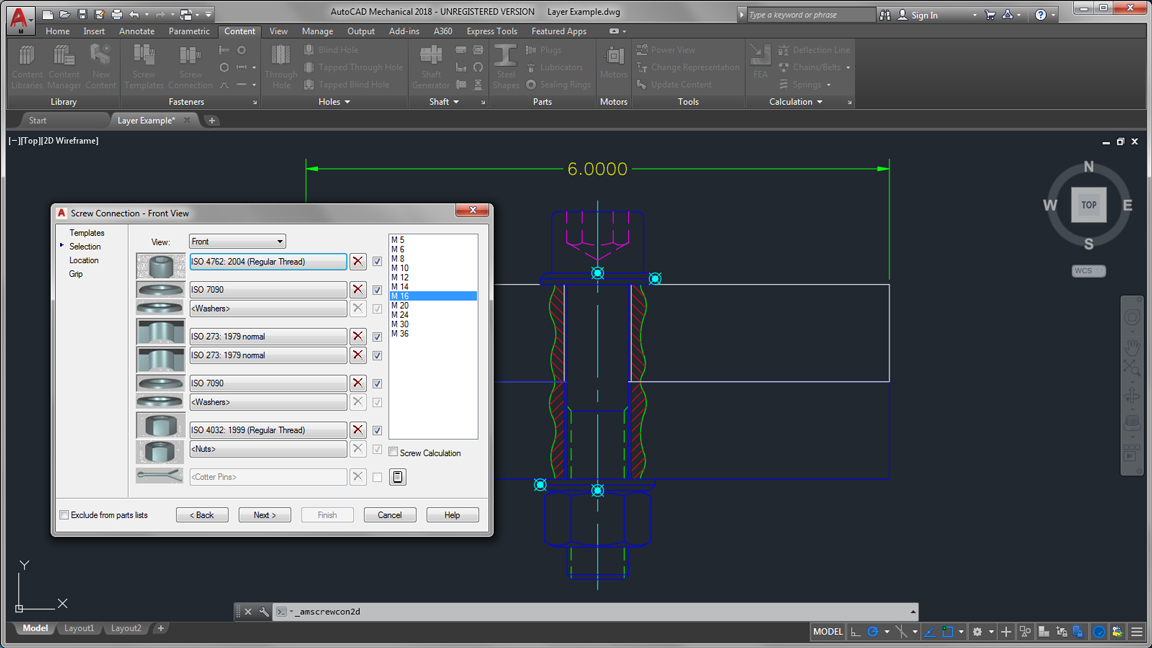
A library of more than 700,000 standard mechanical parts

A wide range of choices, from parts to features

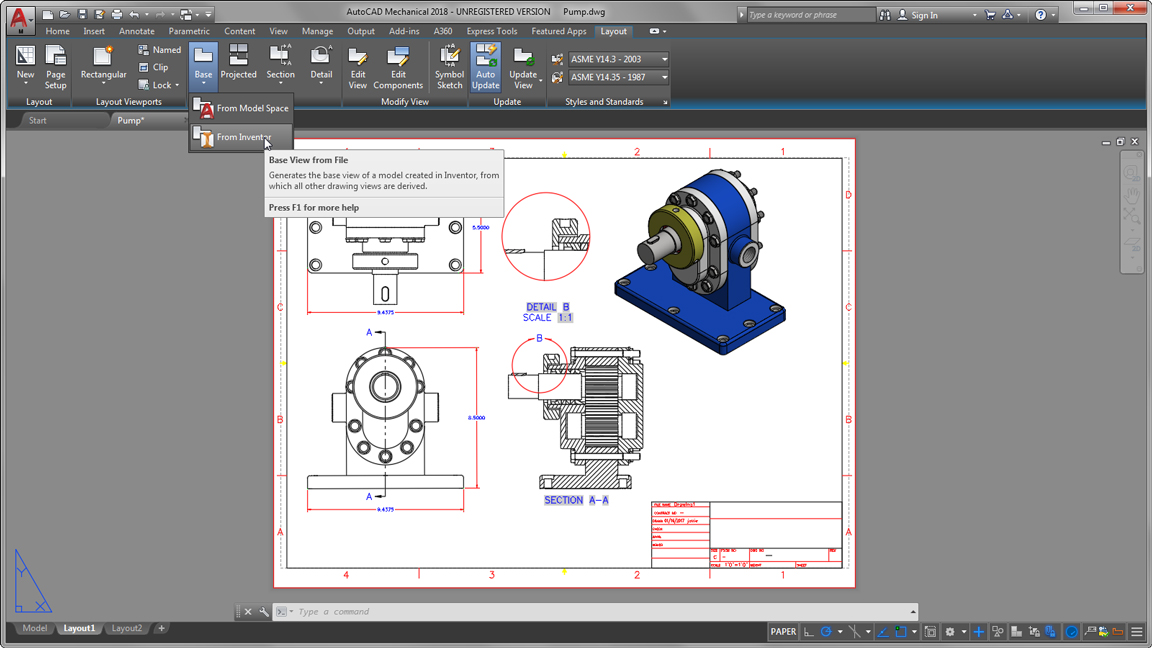
Read data from 3D CAD models

Read data from 3D CAD models

Create and process drawings from 3D CAD models.

Support for international drafting standards

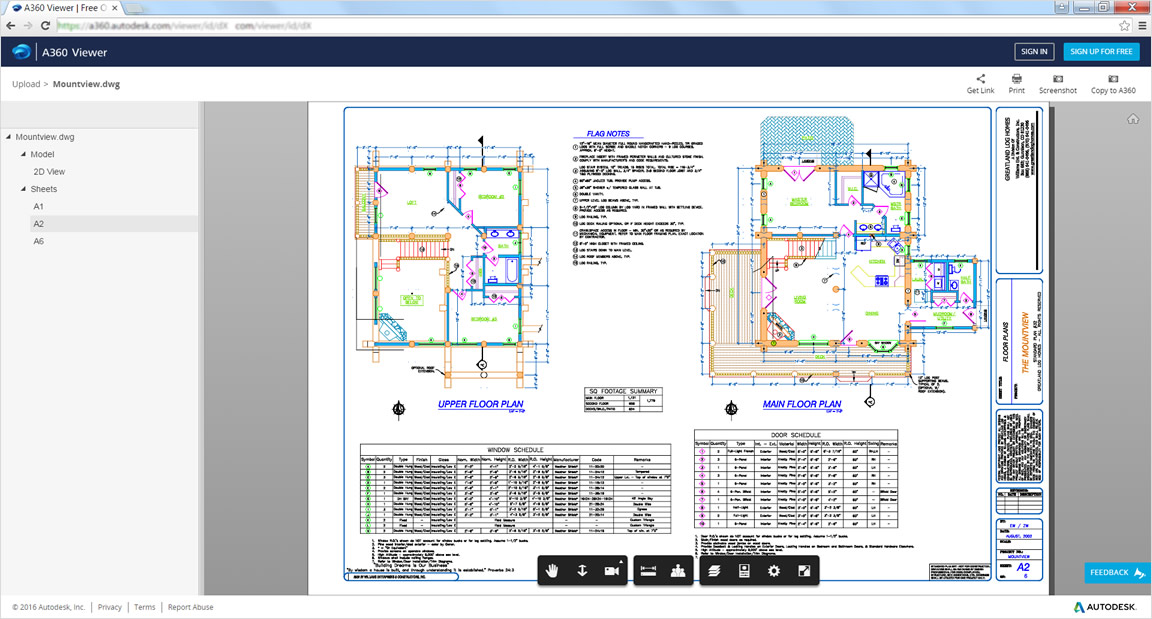
Support for international drafting standards

Tools that help you create CAD drawings to international standards

Library customization

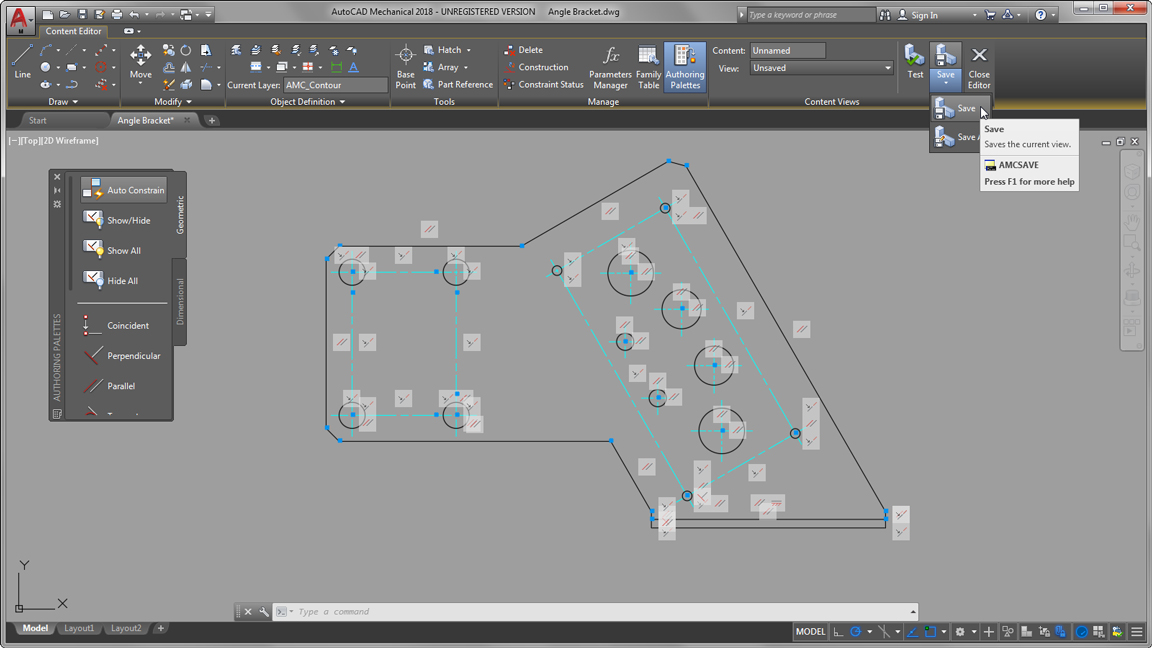
Customize library components and save them

Create and edit library components

Torn between AutoCAD and AutoCAD Mechanical?

Does AutoCAD Mechanical need a more powerful computer than standard AutoCAD?

NO. Both versions have the same system requirements, so if your computer runs AutoCAD, it will run AutoCAD Mechanical without any trouble.
Worried that AutoCAD Mechanical will take up too much disk space? Not a problem: you can temporarily remove AutoCAD Mechanical, keep only AutoCAD Full, and reinstall it whenever you need it.

What about the price? How much more does AutoCAD Mechanical cost than AutoCAD?

Good news for you! AutoCAD Mechanical costs EXACTLY THE SAME as standard AutoCAD.

That is because Autodesk is encouraging users to move to specialized software to raise design productivity. This is a great opportunity: why hesitate when Autodesk gives you a whole extra toolset completely free? 

Like AutoCAD Mechanical's features but not sure how to use them?

Don't worry! OneCAD Vietnam is an Autodesk Authorized Training Center in Vietnam, running regular AutoCAD courses and, in particular, AutoCAD Mechanical workshops. When you buy a license for this version, you receive a voucher to join an AutoCAD Mechanical workshop FREE OF CHARGE.

Enjoy the best deals at
OneCAD Vietnam, Autodesk's strategic partner in Vietnam.

Installation
 

Smart dimensioning
 

Smart detail drawing output

Support for multiple drafting standards

Balloons and parts lists

Parametric environment

3D-to-2D drawing environment

Intuitive working environment

Opens other formats (SolidWorks, Pro/E, etc.)

Automatic parts list output

Calculation tools

AutoCAD Mechanical

AutoCAD Full
& AutoCAD Mechanical icons

700,000 standard parts
and 3D & 2D support parts

Yes

Yes

Full

Yes

Yes

Yes

Yes
 

Yes

Yes

AutoCAD Full

AutoCAD Full icon
 

3D & 2D support
 

Yes

Yes

Full

Yes

Yes

Yes

No
 

Yes

No

AutoCAD LT

AutoCAD LT icon
 

2D only
limited variety

No

No

Limited

No

No

No

No
 

No

No

Special offer when you buy AutoCAD Mechanical

Get 5% off when you buy AutoCAD Mechanical! Don't wait: call us now for advice and support: 0919-019-964

With AutoCAD Mechanical, get an extra offer completely free

Choose the right product for you

Explore the differences between the AutoCAD 2D and 3D versions.

Buy AutoCAD Mechanical

AutoCAD Mechanical

2D documentation
3D modeling and assembly
Specialized mechanical library support
Product consultation
AutoCAD Architecture

AutoCAD Architecture

2D documentation
3D modeling and assembly
Specialized architecture library support
Product consultation
AutoCAD LT

AutoCAD LT

2D documentation
Cost-effective

Product consultation

{{ocd_collection_1}}
{{ocd_collection_2}}
Views: 7,364
Get a quote Call now
OneCadVN

Hello

Please leave the information you need support with, OneCadVN will contact you in the shortest time

    (*) Required fields

    Quick contact