


Professional engineering design software for the mechanical industry. Supports detailed design, assembly, drafting, and presentation environments
CONTACT US
or call 0919-019-964
Why is Autodesk Inventor® the Optimal Solution?
Mechanical Product Design is More Than
Just Building a Model
Autodesk Inventor is a powerful 3D modeling software developed to compete with industry-leading CAD solutions like SolidWorks and Creo. With a cost-effective licensing model and seamless collaboration within the Autodesk ecosystem—especially with AutoCAD—Inventor stands out as a top choice for mechanical design.
Each year, Inventor evolves with new features, enhancing the entire product development process. When used alongside the Product Design & Manufacturing Collection, it extends capabilities into advanced simulation and manufacturing, optimizing efficiency from concept to production.

Design Solutions
Autodesk Inventor provides a comprehensive suite of professional tools to support the entire design process, enabling seamless integration of:
Parametric Design.
Freeform Design.
Directly edit and resize models from external sources.
Design Workspace
Autodesk Inventor features four primary design environments, ensuring seamless data integration and connectivity.
- Part
- Assembly
- Drawing
- Presentation
AnyCAD Technology
AnyCAD Technology enables Autodesk Inventor to work with models from other CAD software while maintaining associative links, ensuring seamless updates and design consistency.
Leverage models from SolidWorks, Creo, and other CAD software seamlessly…
No need to convert design files.
Leverage models from previous versions in ongoing designs.
Design automation
Autodesk Inventor supports multiple programming methods to automate design and optimize workflows:
iLogic – a built-in programming solution in Inventor.
Inventor API – supports creating add-ins.
Autodesk Platform Design – integrates data into the system.
Design Data Sharing
Autodesk Inventor enables seamless design model sharing with partners via Autodesk Viewer on a web-based platform:
A free solution for viewing design models.
Provides annotation tools.
Optimized for collaboration.
Collaboration with the Construction Industry
Autodesk Inventor integrates seamlessly with Revit, supporting the Building Information Modeling (BIM) process with the following tools:
Create component families (Family).
Exchange data through Data Exchanges.
Design BIM models with Informed Design.
Enjoy the best deals at
OneCAD Vietnam, Autodesk’s strategic partner in Vietnam.
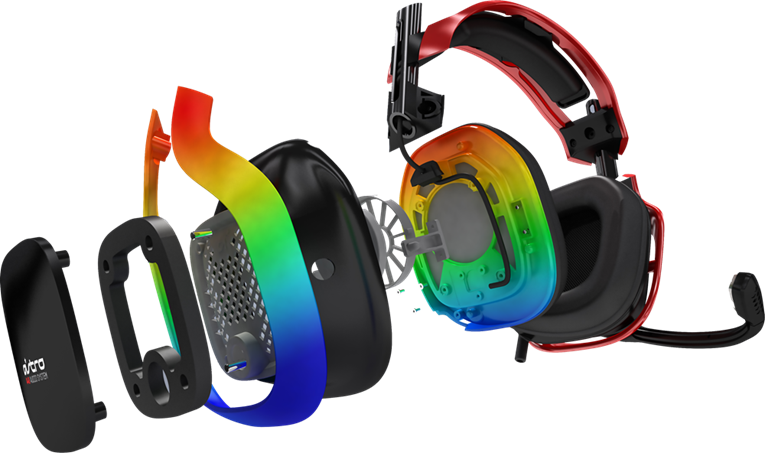
Industrial Product Design
Autodesk Inventor Professional provides powerful design solutions and environments to support fast product design and prototyping.
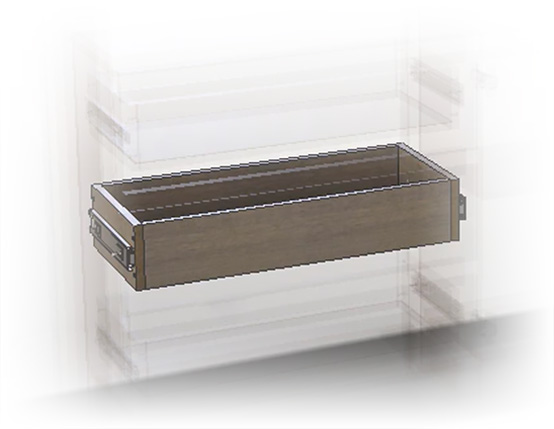
Furniture Product Design
Autodesk Inventor Professional provides a comprehensive and seamless design and manufacturing solution for the interior industry.
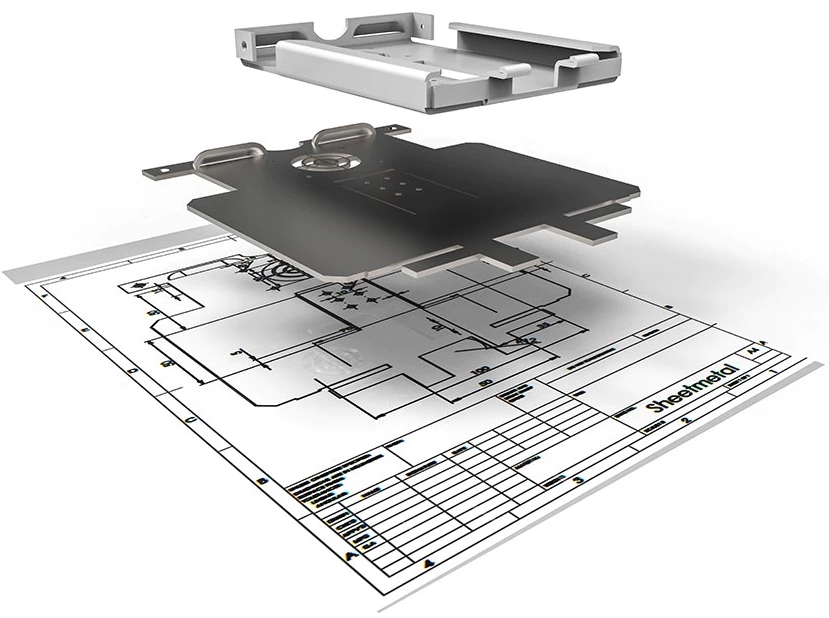
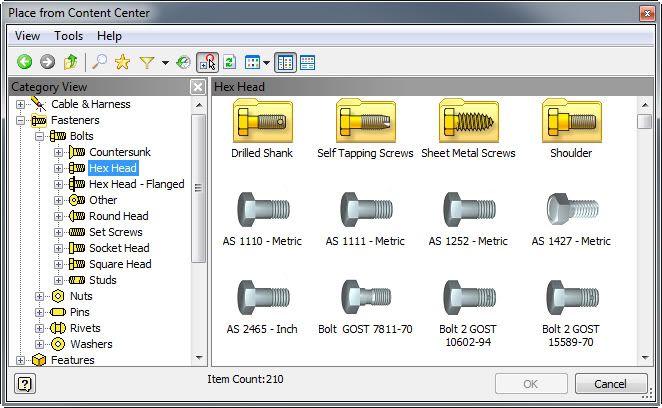
FAQs
What is Autodesk Inventor used for?
Autodesk Inventor is a comprehensive mechanical design solution that includes tools for modeling, simulation, and manufacturing documentation. With Inventor, engineers can create an accurate digital model of a product to evaluate its shape, dimensions, and functionality before actual production.
Who are the target users of Autodesk Inventor?
The target users of Autodesk Inventor are mechanical engineers, product designers, and manufacturers who need advanced 3D modeling, simulation, and documentation tools for product development and industrial design.
Minimum system requirements for using Autodesk Inventor 2027?
- Operating System: 64-bit Microsoft® Windows® 11
- CPU: 2.5 GHz or higher, 4 cores or higher
- RAM: 16 GB
- Disk space: Free 40 GB (SSD)
- Graphics Card: 2 GB GPU with 29 GB/S Bandwidth and DirectX 11 compliant
Which versions of Autodesk Inventor are available for users?
Autodesk supports users in installing and using the current version (2026) and the three previous versions (2023, 2024, 2025). Installation files are listed in the Autodesk Account when deploying the software.
How many computers can users install Inventor Professional on?
Currently, Autodesk implements a Single User license, allowing users to install the software on up to three computers. However, only one computer can use the software at a time.
Inventor Professional is an integrated product within the comprehensive and exclusive toolset for manufacturing and production – Autodesk PD&M Collection.

The suite integrates software for product design, manufacturing, machining programming, and product lifecycle management. Key software includes:
 Autodesk Fusion
 AutoCAD – Including Specialized Toolsets
 Inventor CAM
 3Ds Max
(and more)
LEARN MORE ABOUT THE PD&M COLLECTION SOFTWARE SUITE