

THE APPLICATION OF
AUTODESK® INVENTOR PROFESSIONAL.
TO INDUSTRIAL PROTOTYPING AND DESIGN
Autodesk Inventor Professional and other products in the Product Design & Manufacturing Collection is a comprehensive solution in product design and manufacturing in general and mechanical in particular. Especially, Inventor provides excellent design environments and solutions to support product design and rapid prototyping.
What is the purpose of industrial product design software?
Industrial product design software helps create, analyze, over-visualize, convey design and aesthetic intent before creating physical prototypes. Many of the products used every day have been designed by industrial product design software: Such as phone, computer, headphone, desk, chair, car, or more complicated things. Autodesk provides a lot of different software to support industrial product design such as Inventor, Fusion360, Alias, 3DsMax, Maya, Vred …
3D Modeling methods are required in industrial product design software
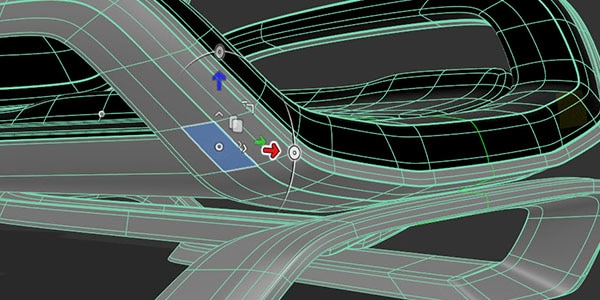 POLYGONAL MODELING
Polygonal Modeling is used in industrial design for conceptualization and useful in drafting ideas.
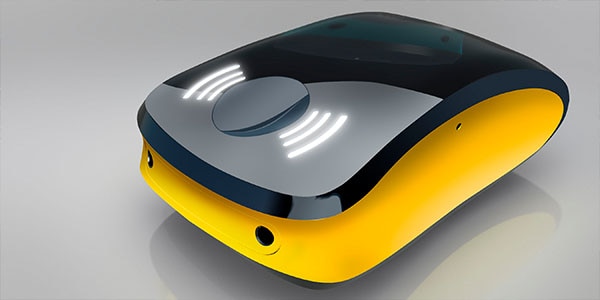 SURFACE MODELING
Surface Modeling Software is widely used in industrial design. Designers can quickly modify the shape freeform with high precision.
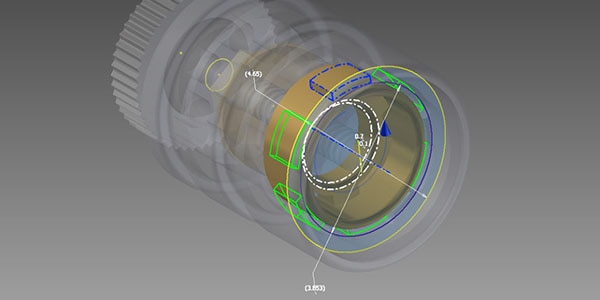 SOLID MODELING
Solid Modeling is used for generating 3D Models, assembly, and drawings.
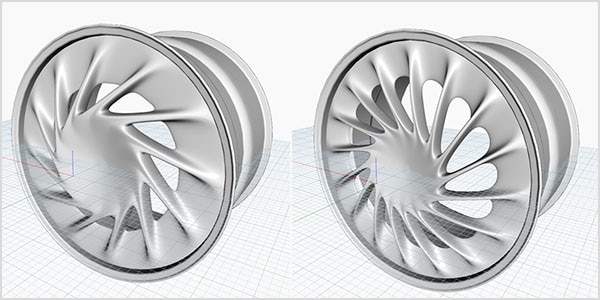 PARAMETRIC MODELING
With Parametric Modeling, you can quickly change the parameters and shapes of your designs.
Problems and Demands in creating and designing industrial products
Designing and creating templates is a basic demand in many companies. You need to materialize the customer’s ideas or demands into sample products or 3D models due to the manager and customer’s inability to understand the 2D technical drawings. Based on these models, opinions and requests for adjustment or changes in ideas will be put forward.
Some basic needs in creating templates
- Materialize ideas into 3D model (Concept) for easy visualization and discussion.
- Quick adjustment to this Concept according to the customer and company’s needs (changing shapes, sizes, positions of specific components…).
- Sophisticated products consisting of multiple connecting components require rational assembling processes of these components or groups of components.
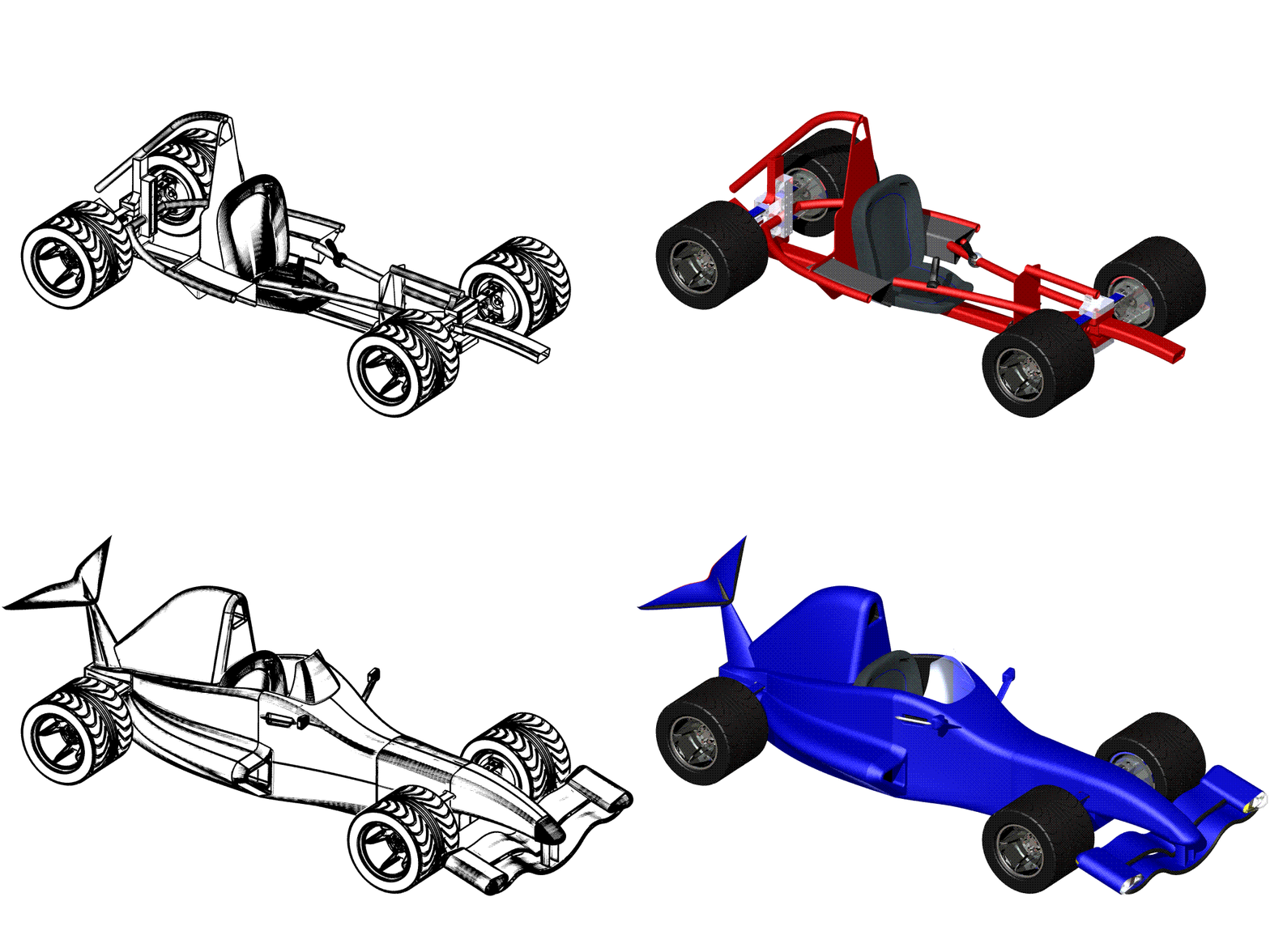

Autodesk Inventor Professional
Providing tools to assist you with creating templates easily and swiftly
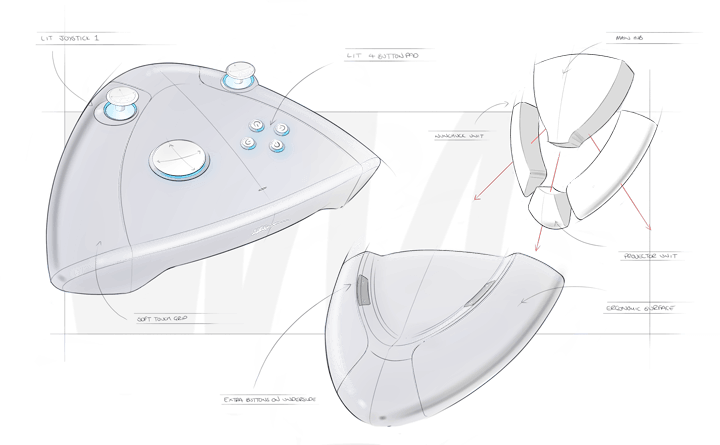
Creating and swiftly modifying 3D model
Addressing the problem: fast creation of Concept, ability to swiftly modify the model and easily change the designing method.
From the drafts or AutoCAD 2D drawings, you can quickly create 3D models with advanced and scientific shaping tools. Models in Inventor are based on the Parameter, meaning every dimension on the model can be adjusted after creating the 3D model. You can adjust the height, thickness, angles, positions of holes,…
Inventor also provides Direct Modeling function, for swift adjustment on the 3D model.
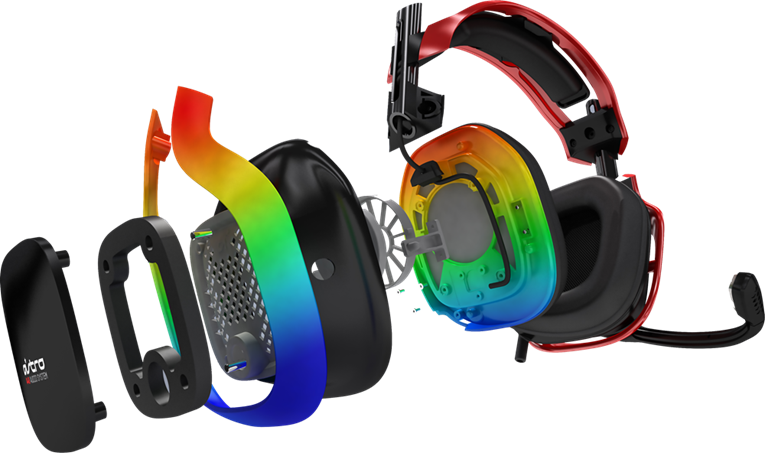
Creating models consisting of multiple components, displaying the dismantlement and assembly
Addressing the problem: designing and assembly of multiple components into a more sophisticated components, creating images and videos of the dismantlement and assembly.
Inventor Professional provides the Assembly environment to assemble components and groups of components based on geometrical and mechanical restrictions. There are also tools to create images, drawings, videos demonstrating the dismantlement or guide to assemble the components step by step.
How are the industrial product-designing assistance softwares used?

Astro Studio
Observe the method of the Astro Studio company, which has the headquarter in San Francisco, designed the product Minus 8 watch with Autodesk Alias software.
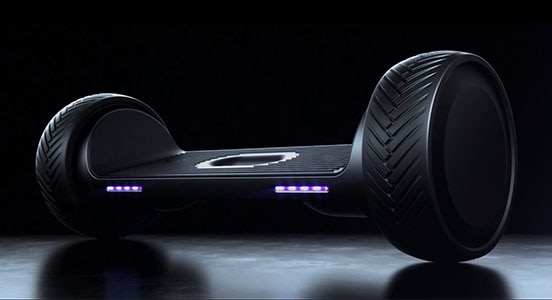
Radical Transport
Observe the method of the start-up company in Dallas, Radical Transport developed the product balance electrical vehicle (Moov) with Autodesk Inventor.
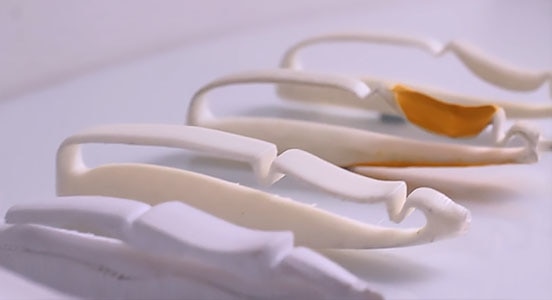
Scriba
Developing a different Stylus pen for draft painters/designers/modern artists. Observe the process from idea to product of Fusion 360