Integrated Digital Delivery
Imagine a contractor sends an RFI about a rebar detail. The email reaches the consultant just as the person in charge is away on a business trip, the answer comes back a few days later, and by then the site team has already built that section according to its own interpretation.
In construction, every time information has to pass through many hands, there is a risk of delay and extra cost. A project involves the owner, architects, engineers, project managers, estimators and MEP contractors, yet often only a few of them hold the full picture. Sharing information between these groups is the root cause of many delays and budget overruns.
Integrated Digital Delivery (IDD) is an approach designed to tackle exactly that problem. This article explains what IDD is, the 14 typical use cases identified by Singapore’s Building and Construction Authority (BCA), the benefits, and how Autodesk Forma products support each use case.
What is Integrated Digital Delivery (IDD)?
IDD is the use of digital technology to integrate work processes and connect the stakeholders delivering a project, throughout construction and operations. IDD is one of the key drivers of the Built Environment Industry Transformation Map (BE ITM) and supports Singapore’s effort to transform the built environment sector by building a highly skilled workforce trained in the latest architecture, engineering, construction and operations technologies.
In other words, IDD is not a piece of software. It is a way of working in which the parties in the value chain access one trusted source of information, instead of handing things over by email and paper. Cloud platforms and a common data environment (CDE) are the technical prerequisites for doing this. A quick guide to the concept is also available in the article What is Integrated Digital Delivery?.
What are the 14 typical IDD use cases defined by BCA Singapore?
Based on recent IDD projects, BCA identified 14 common use cases spanning the design, construction, fabrication and asset management stages of a building’s lifecycle. New projects can choose from this list to start adopting IDD.
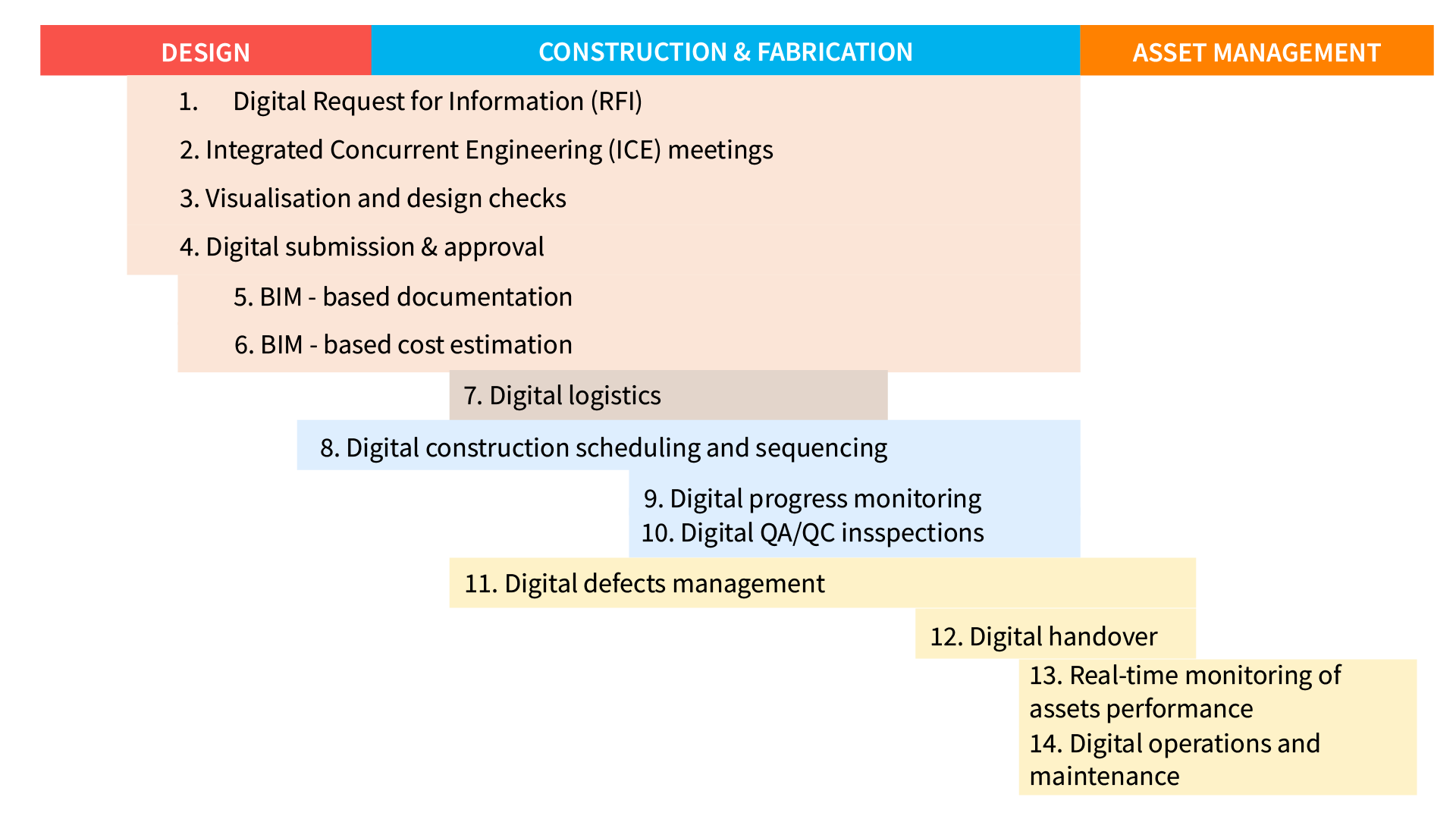
| No. | IDD use case | What it means |
|---|---|---|
| 1 | Digital Request for Information (RFI) | Use digital technology to request information or facilitate communication about issues that arise during construction work. |
| 2 | Integrated Concurrent Engineering (ICE) meetings | Run ICE meetings with digital technology and BIM to coordinate stakeholders, resolve clashes and decide on next steps. |
| 3 | Visualisation and design checks | Use BIM, 3D models or virtual reality to visualize, gather feedback on and validate designs. |
| 4 | Digital submission & approval | Submit and obtain approvals for designs or building components digitally. |
| 5 | BIM-based documentation | Prepare documentation based on information from the BIM model. |
| 6 | BIM-based cost estimation | Estimate costs at different stages based on the BIM model. |
| 7 | Digital logistics | Plan fabrication and track the delivery and installation of prefabricated components on a digital platform. |
| 8 | Digital construction scheduling and sequencing | Use digital tools to plan and monitor the sequence of construction activities. |
| 9 | Digital progress monitoring | Track and monitor construction progress with digital solutions. |
| 10 | Digital QA/QC inspections | Record site observations and follow up on corrective actions digitally. |
| 11 | Digital defects management | Use digital dashboards to track and resolve construction defects. |
| 12 | Digital handover | Create and hand over digitized asset documentation. |
| 13 | Real-time monitoring of assets performance | Set up a digital platform to monitor asset performance in real time. |
| 14 | Digital operations and maintenance | Integrate digital technologies to operate and maintain assets. |
You can view BCA’s original document here (PDF). You don’t need to adopt all 14 use cases at once. A sensible approach is to pick the few that cause the most bottlenecks, such as RFIs and document approvals, and then expand gradually.
Why does the construction industry need IDD?
Autodesk highlights five groups of benefits from moving to integrated digital delivery. They all stem from information being entered once and reused by every party.
Faster processes
Eliminate manual steps such as creating and processing RFIs, and cut unnecessary emails and document exchanges.
- Faster responses from all parties
- Fewer barriers, faster schedules
More accurate documents, less rework
Digital tools accurately compare versions of BIM documents, so every team member works with the latest data.
- Fewer manual inspections and less manual logistics tracking
- Lower risk of errors, saving time and cost
Better access to information
If documents are missing or approvals are slow, construction can stall. IDD helps send and receive approvals faster.
- Office and site closely connected
- Faster decisions that keep the schedule on track
Better worker safety
Plan and simulate construction activities before they happen to identify risks and how to handle them.
- Protect workers
- Avoid incidents that disrupt work
Better coordination, higher quality
Manage ICE meetings with digital tools and detect clashes automatically so BIM/VDC teams can focus on major clashes.
- Digital QA/QC makes information management more efficient
- Fewer paper-based audits
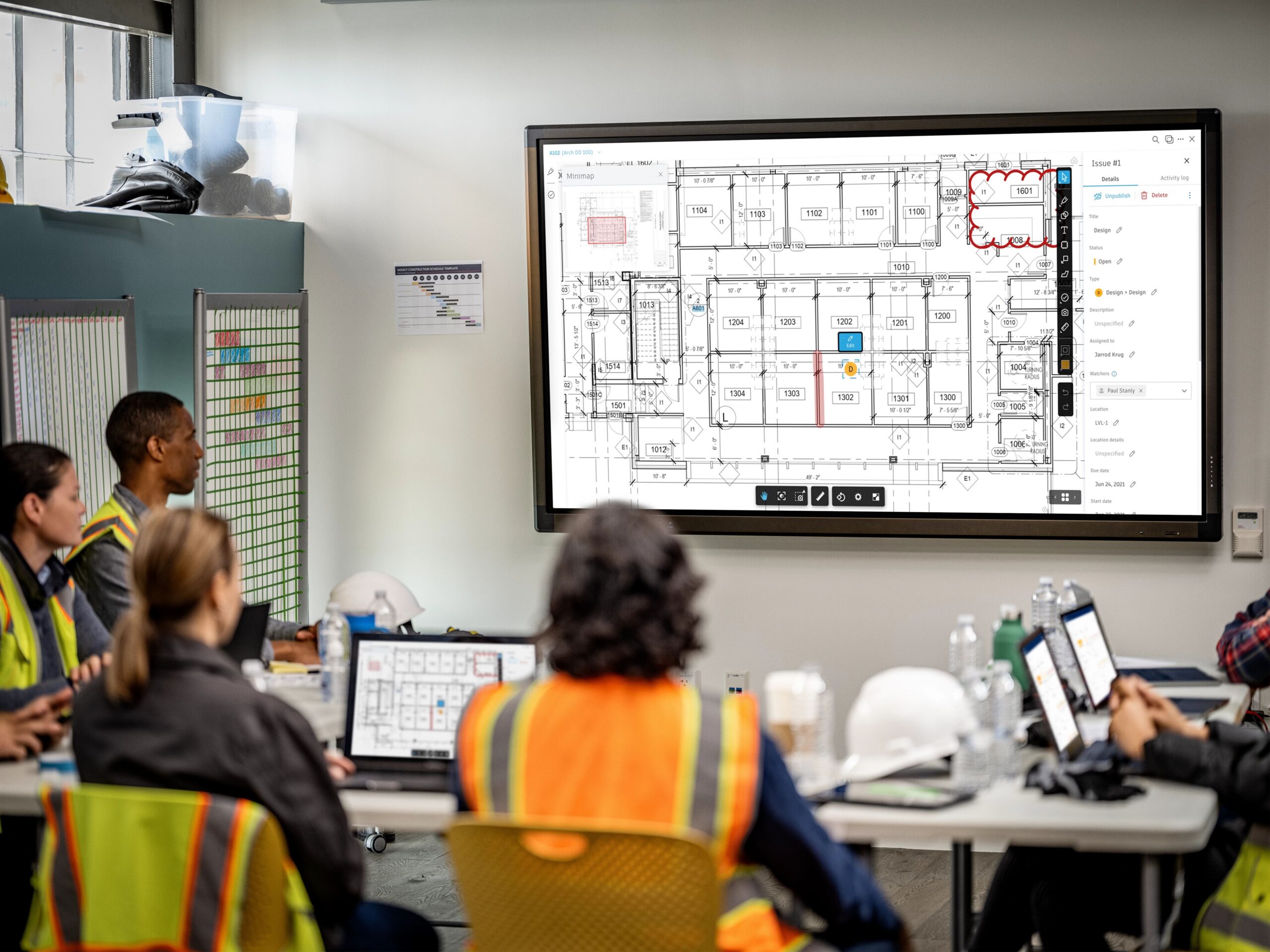
This reason is also covered in the article 5 reasons to move to integrated digital delivery.
Which IDD use cases does Autodesk Forma support?
Three products on the platform (formerly Autodesk Construction Cloud) cover most IDD use cases in the design and construction stages. The table below lists the use cases Autodesk associates with each product.
| IDD use case | Forma Data Management (Autodesk Docs) | Forma Design Collaboration (BIM Collaborate Pro) | Forma Build (Autodesk Build) |
|---|---|---|---|
| Digital Request for Information (RFI) | – | – | Yes |
| ICE meetings | – | Yes | Yes |
| Visualisation & design checks | – | Yes | Yes |
| Digital submission & approval | Yes | Yes | Yes |
| BIM-based documentation | Yes | Yes | Yes |
| Digital construction scheduling & sequencing | – | – | Yes |
| Digital progress monitoring (BIM progress) | – | – | Yes |
| Digital QA/QC inspections | – | – | Yes |
| Digital defects management | – | – | Yes |
| Digital handover | Yes | Yes | Yes |
| Digital logistics | – | – | Yes |
Learn about each product: Forma Data Management, Forma Design Collaboration (see also our BIM Collaborate solution article) and Forma Build. The remaining use cases in the list of 14, such as BIM-based cost estimation or asset performance monitoring, are not mapped by Autodesk to these three products; OneCAD can advise on the right choice for your project scope.
Handover
As-built data is handed over as digital assets for operations.
How have projects applied IDD?
The two examples below show the spirit of IDD at two different stages: running construction on digital workflows, and using models together with a CDE to restart a project.
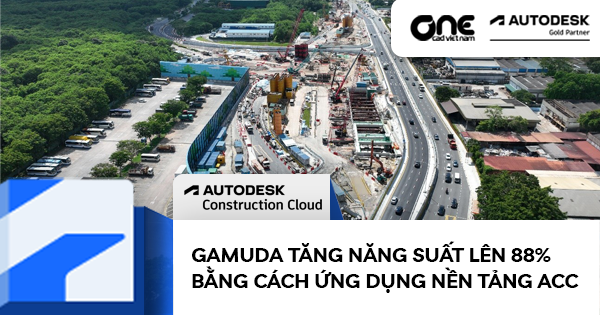
Gamuda (CR111, Singapore): digitizing workflows from design to payment
CR111 is a rail, station and tunnel project worth USD 440 million in total. Gamuda used Revit, Navisworks and BIM Collaborate for design, Autodesk Docs to manage documents and models, and Autodesk Build to digitize quality, safety, payment application and contract workflows.
- According to the article, the construction phase saved up to 91% of the time compared with the previous paper-based process.
- The payment process, from application to approval, improved by at least 60%.
- Subcontractors submit requests directly in the system, reducing manual handling.
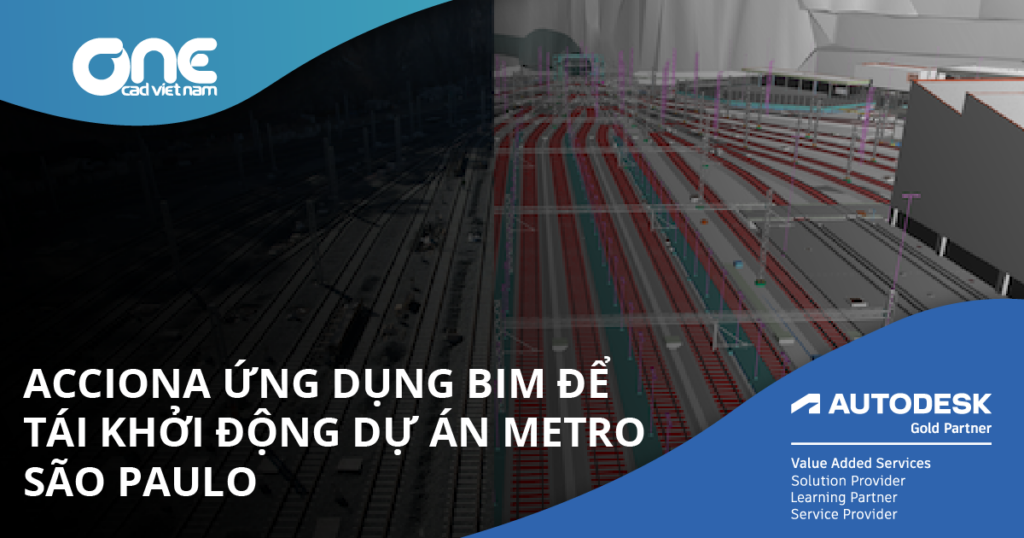
Acciona (São Paulo Metro): a CDE and models to restart the project
São Paulo’s Metro Line 6 is 15 km long with 15 underground stations and a total investment of EUR 3.3 billion, and had been on hold for years. Acciona used BIM together with Autodesk Docs as the common data environment for the whole project, coordinating models and checking clashes from the design stage.
- More than 1,000 models were created, helping even non-BIM specialists understand the structure and construction sequence.
- Site teams view 3D models in Autodesk Viewer on phones or tablets and compare them with actual conditions.
- Fewer errors caused by using the wrong document version, and better coordination between disciplines and contractors.
How does OneCAD help you adopt IDD?
OneCAD has been an Autodesk Gold Partner since 2017 and an Autodesk Authorized Training Center (ATC) since 2016, and was honored at the One Team Conference 2022 for an Autodesk Construction Cloud (now Autodesk Forma) deployment project. For IDD, we follow three steps:
- Assess where you are: Autodesk offers the Digital Construction Readiness Assessment, based on BCA’s IDD use cases, which compares your current processes with good practice in construction digitalization and suggests improvements. OneCAD helps you interpret the results and set priorities.
- Choose IDD use cases and set up the platform: CDE structure, permissions, approval workflows and forms for the chosen use cases.
- Train and follow through: train the project team, provide technical support and measure results before scaling up.
See also applying BIM and a CDE in the construction phase, Autodesk Forma (formerly Autodesk Construction Cloud): the leading construction management platform, and, if you need to migrate data from BIM 360, things to know when migrating your data.
Frequently asked questions about Integrated Digital Delivery
How is IDD different from BIM?
BIM is a method for creating and managing information in a building information model. IDD is the use of digital technology, including BIM, to integrate processes and connect stakeholders throughout construction and operations. Some IDD use cases, such as BIM-based documentation or BIM-based cost estimation, rely directly on the BIM model.
Does IDD require adopting all 14 use cases?
No. BCA identified 14 use cases for new projects to choose a starting point from. Companies should start with the few use cases that cause the most bottlenecks, such as RFIs, document approvals or defect management, and then expand.
Who initiated IDD?
IDD is one of the key drivers in Singapore’s Built Environment Industry Transformation Map, with 14 use cases identified by Singapore’s Building and Construction Authority (BCA).
Which Autodesk products support IDD?
According to Autodesk, Forma Data Management (Autodesk Docs), Forma Design Collaboration (BIM Collaborate Pro) and Forma Build (Autodesk Build) support most IDD use cases in the design and construction stages. See the mapping table above.
How do I get started?
Take Autodesk’s Digital Construction Readiness Assessment or contact OneCAD for advice. You can also sign up for a construction project digitalization pilot.
Get started with IDD
Pick one project and a few suitable IDD use cases, move them onto a common platform, then measure RFI response time, approval time and the amount of rework. Talk to a OneCAD expert or download BCA’s reference document.