

Cloud-based document management and a common data environment. Autodesk Forma Data Management is available in the AEC Collection or as a standalone product.
TALK TO AN EXPERTDOWNLOAD FREE TRIAL
or call 0919-019-964

Provides tools for centralized data management in the cloud

Suited to teams that need to store, view and collaborate on data in the cloud
What is Forma Data Management?
Forma Data Management (formerly Autodesk Docs) is a centralized construction document management solution that lets you easily manage, distribute and share data from a single source throughout the project lifecycle. Meeting the ISO 19650 standard for a Common Data Environment (CDE), Forma Data Management helps you:
- Minimize errors and unnecessary rework.
- Save time searching for information.
- Work more efficiently with robust approval workflows.
- Improve alignment and communication between project teams.

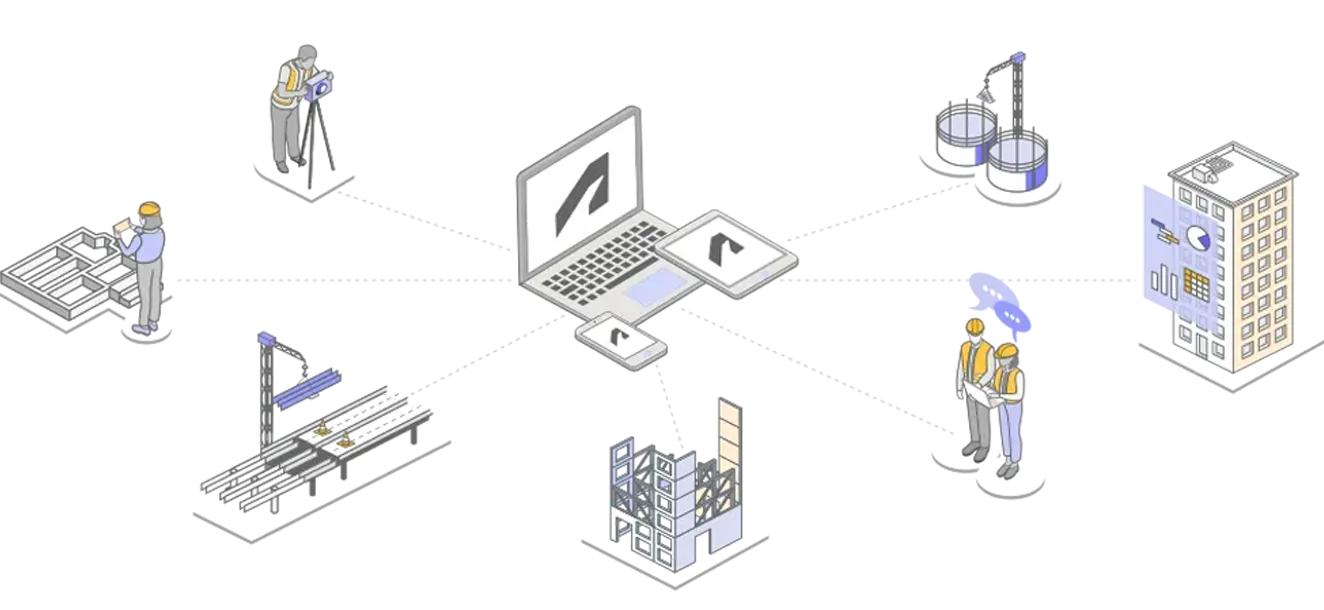
Manage project documents and data
from design to construction
on a single platform.
Key features
to optimize every process
Document management
Naming standards setup
Document version control
Collaboration and communication
Digital approval workflows
Centralized issue management
Data sharing
Digital asset handover
Document management
Make sure information reaches the right people at the right time by creating and managing project folder permissions in the cloud. The file naming standards tool also helps team members easily manage and find the information they need.
Helps users quickly create ISO 19650 naming standards from the naming standard templates available in the project.
Track and manage document versions so that everyone works with the latest information. Compare versions to check what has changed.
Markup and Issues tools let users add notes and communicate directly on documents, strengthening collaboration between project members and teams.
Reduce manual work and automate the review of drawings, models and documents before publishing and sharing.
Easily track and resolve quality issues across teams with a single, centrally managed issue list.
Share data across projects between different CDEs within the same data hub.
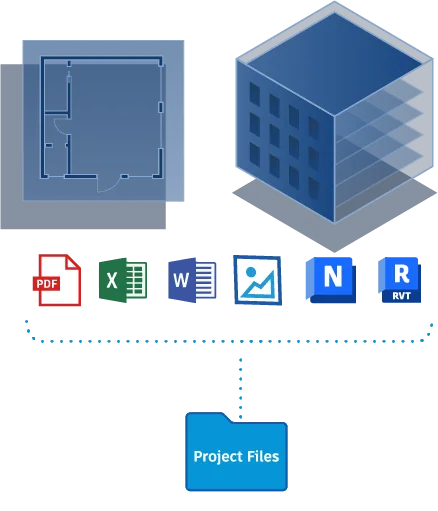
A central store for all project data makes handing over digital asset data faster.
Enjoy the best deals at
OneCAD Vietnam, Autodesk’s strategic partner in Vietnam.
Other features
of Forma Data Management
Everything you need, fully covered!
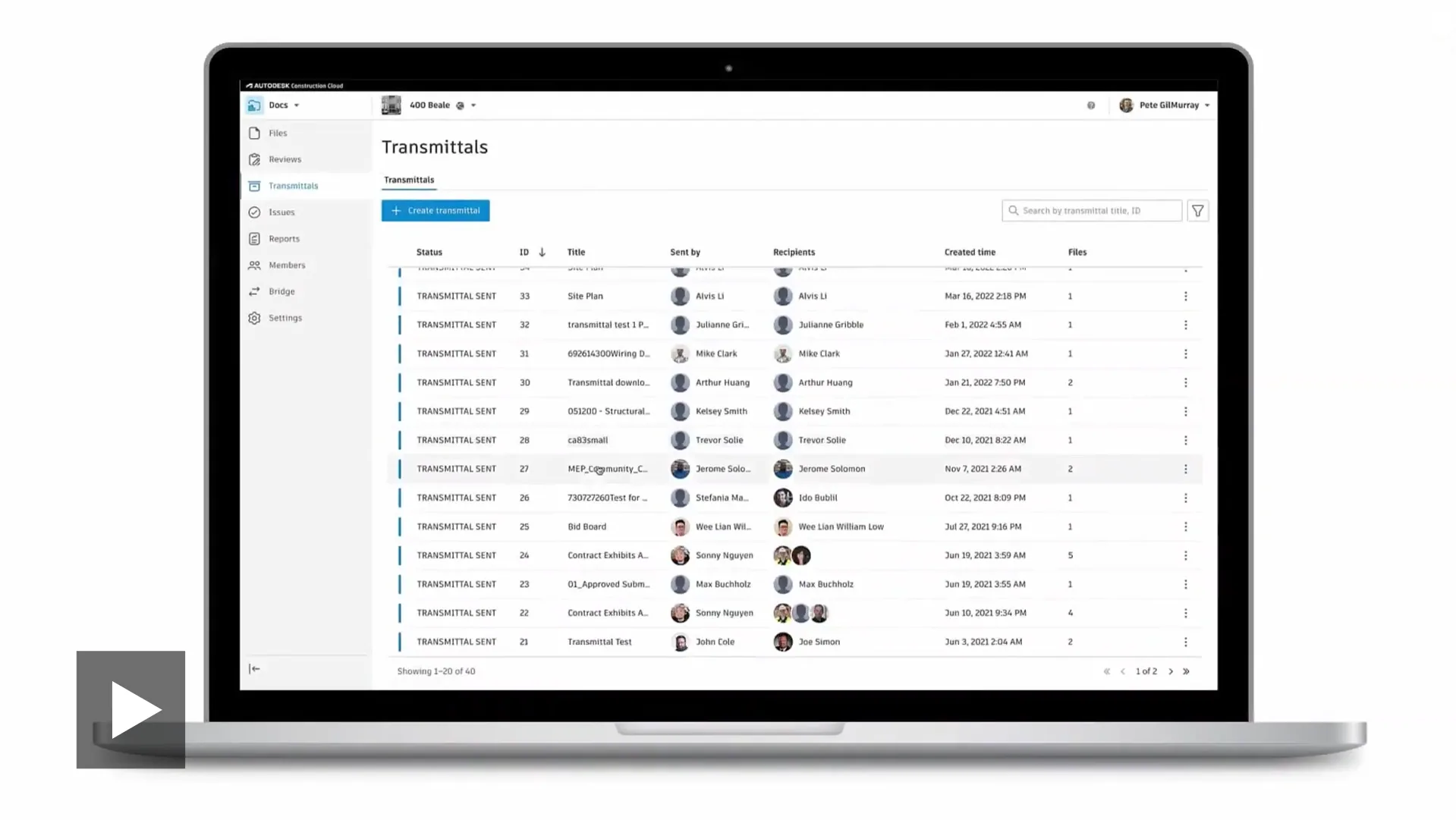
Transmittals
Formalize the information you need to share, easily create and send transmittals to project teams, and quickly track what has been shared.
(Click the image to watch the video)
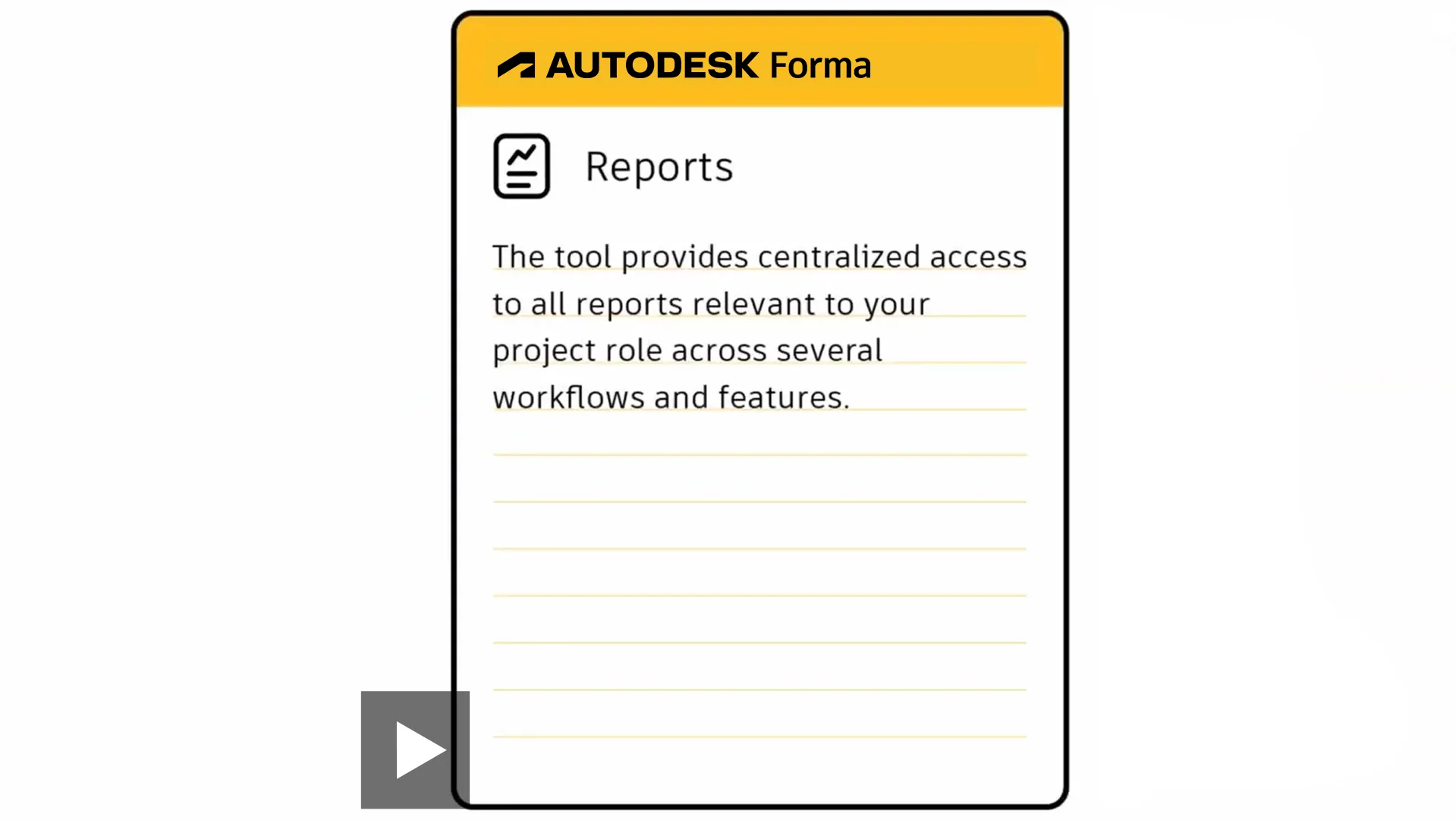
Reports
Centralized access to all reported data for your project, with report scheduling, sharing and export for internal or external project collaborators. (Click the image to watch the video)
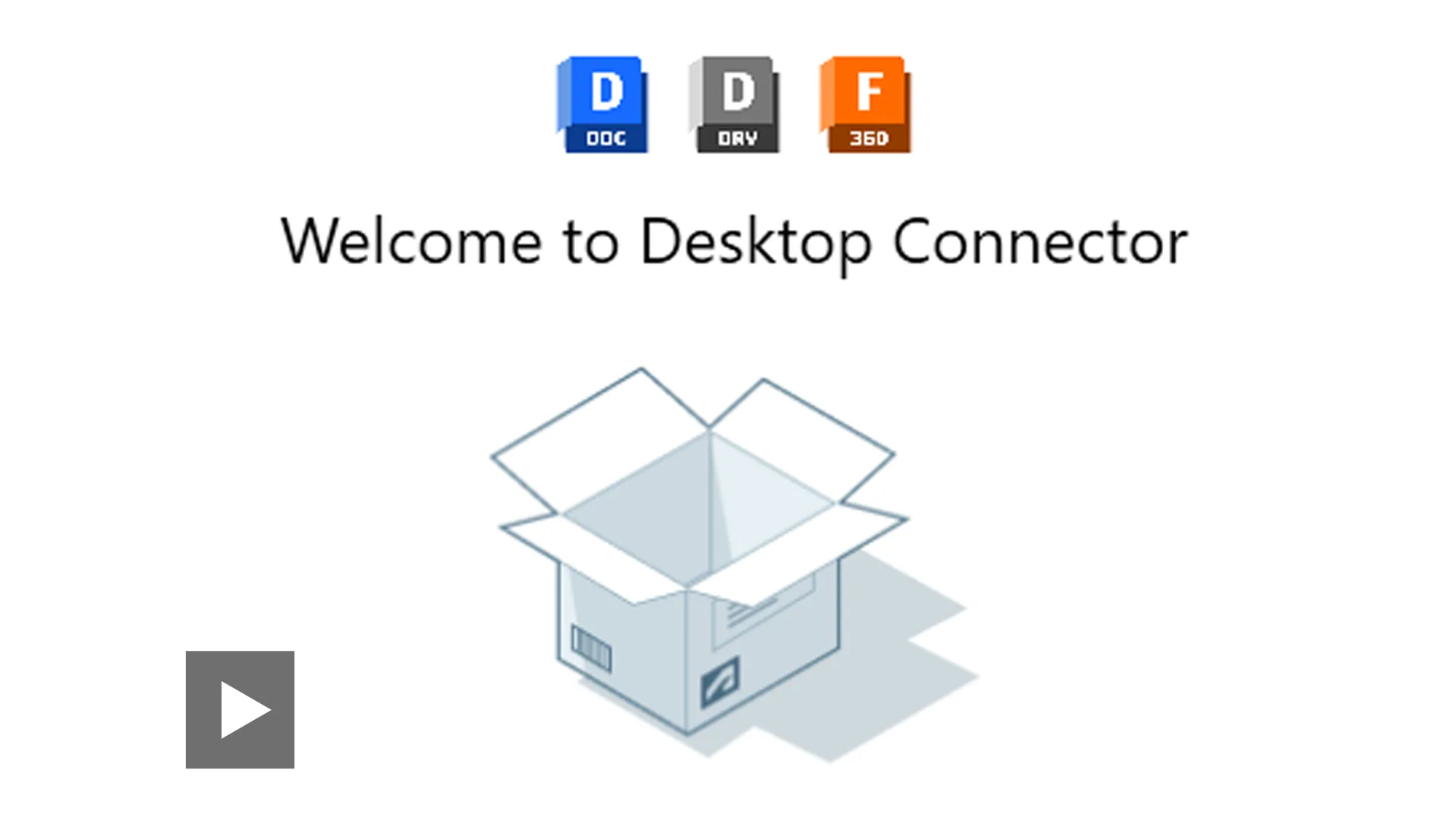
Data connection app
Open, save, move, rename and
delete files directly from your computer
with Desktop Connector.
(Click the image to watch the video)
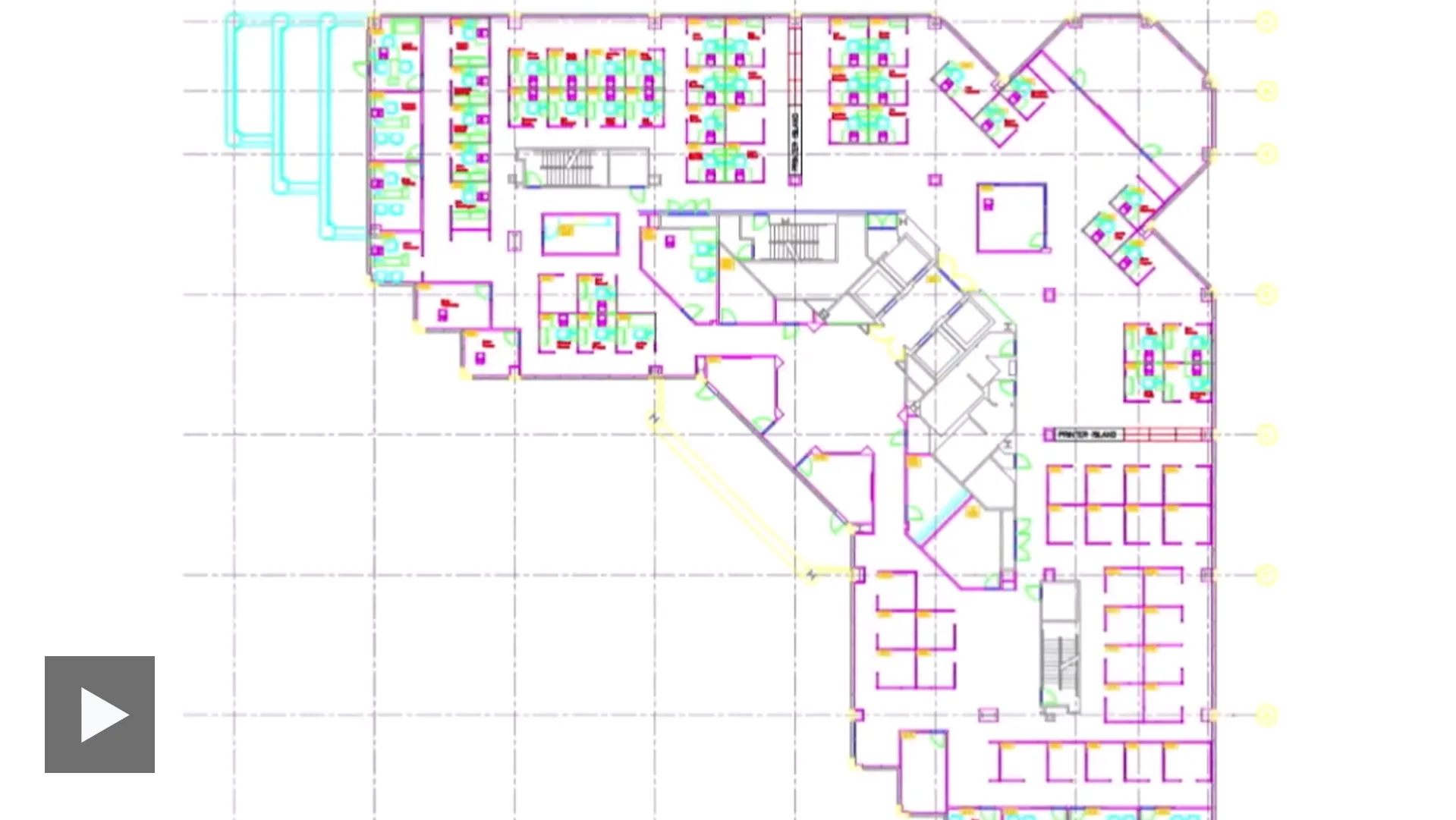
Integration with the Autodesk ecosystem
Autodesk software such as AutoCAD, Revit and Civil 3D has a built-in data connection to Forma Data Management, optimizing workflows and reducing duplication.
(Click the image to watch the video)
The benefits of
Forma Data Management
for the construction industry
Centralized data storage in a single trusted source,
connecting people, processes and data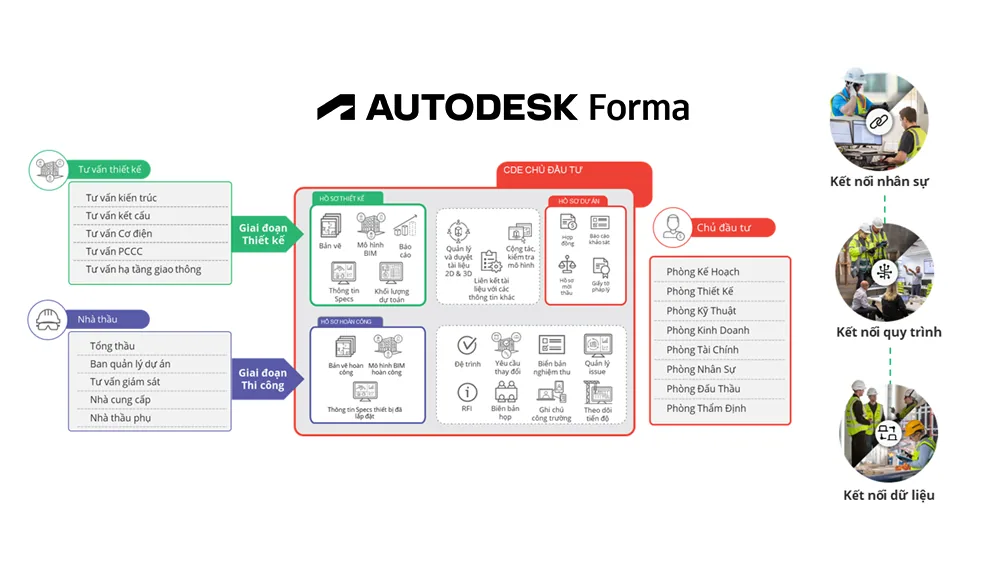
Increase productivity
Manage and store data centrally, reducing the time spent finding and processing documents and improving efficiency and accuracy.

Improve collaboration between stakeholders
Use technology to collaborate with stakeholders, share information easily and save time, making work more efficient.
Security and compliance
Keep project data secure and compliant with construction industry regulations and standards.
Reduce the risk of information errors
Catch errors earlier and keep information accurate and timely, improving the quality of work.
Forma Data Management is a solution included in the Autodesk AEC Collection

A collection of software for architecture, engineering and construction with the most advanced technology. Featured software includes:
 Revit
 AutoCAD
 Civil 3D
 3Ds Max
(and more)
Frequently asked questions
Does Forma Data Management limit project storage?
Forma Data Management does not limit data storage on Autodesk Forma. Learn more here
Which file formats does Forma Data Management support?
You can upload and store many different file types in Forma Data Management. However, some files are not yet supported on the platform. To learn which file formats are and are not supported, visit this link.
Which languages does Forma Data Management support?
The Autodesk Forma platform currently supports 18 languages across Forma Data Management, BIM Collaborate, Forma Design Collaboration, Forma Build and Forma Takeoff.
- Brazilian Portuguese
- Chinese Simplified
- Chinese Traditional
- Czech
- Danish
- Dutch
- English (UK)
- English (US)
- French
- French (Canadian)
- German
- Italian
- Japanese
- Korean
- Norwegian
- Polish
- Spanish
- Swedish
Can I sign up for a Forma Data Management trial?
Yes. You can sign up for a 30-day trial of Forma Data Management.
Can I access Forma Data Management on mobile devices?
Yes. You can access Forma Data Management on mobile devices through the Forma app on Google Play or the App Store.
How many devices can a Forma Data Management license be used on?
Autodesk lets a user work on 3 different devices (computer, tablet, phone). However, all 3 devices must belong to the same user, and at any one time only one computer (desktop or laptop) and one mobile device (tablet or phone) can be used to access the software.
Can I convert my trial account to a paid account?
Yes, contact your product reseller for help with the conversion.
What is the difference between Forma Data Management and BIM 360 Docs?
Both products provide the same common data environment features, but Forma Data Management supports document management for projects on both the Autodesk Forma and BIM 360 platforms, while BIM 360 Docs only provides access to projects on the BIM 360 platform.
How can I contact the support team when needed?
You can get support in the following ways:
- Contact the OneCAD Vietnam support team (1800 7181 – Toll Free)
- Visit the Autodesk Help section for information about the product you are using.
- Go to www.autodesk.com and open the Help section.
Success Stories
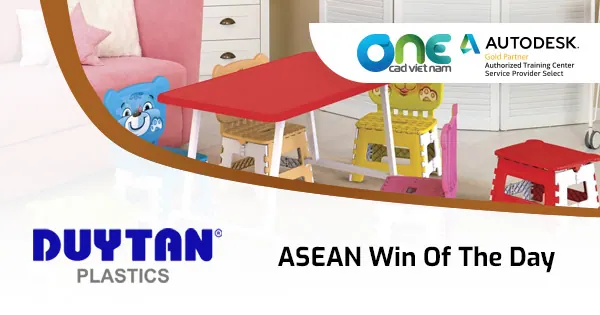
Duy Tan Plastics – Win of the Day
The leading Company of Plastics in Vietnam deployed comprehensive Solutions of Autodesk for design, simulation, analysis, manufacturing,… With recent pandemic, investment is always considered very carefully but not for technology adoption and workflow management. After…
Consulting & Solutions

Frequently asked questions about OpenSpace
OpenSpace FAQ: pricing, compatible 360° cameras, data security, number of users, and integrations with Procore, BIM 360 and Autodesk Construction Cloud.
- Integrated Digital Delivery
- BIM Information Lifecycle Management
- AI-Enhanced 360° Camera Monitoring for Construction Sites
- Applying BIM and CDE in the Construction Phase: Effective BIM Implementation through Autodesk's CDE
Inventor Professional vs Autodesk Fusion: Which One to Choose?
Autodesk Fusion vs Inventor Professional: compare system requirements, cost, cloud storage and ease of use to choose the right 3D mechanical CAD software.
Event: Autodesk AI in Construction – Enhancing Productivity and Unlocking the Value of Project Data
Discover Autodesk AI in construction and learn how AI can support design workflows, unlock project data, and enhance productivity with Revit and Autodesk Forma.
OneCAD Vietnam at the Vietnam Industrial & Manufacturing Fair – VIMF 2026
On June 17, 2026, OneCAD Vietnam participated in the Vietnam Industrial & Manufacturing Fair (VIMF) Binh Duong 2026, held at the World Trade Center…
Autodesk and OneCAD Celebrating AXANH 10-Year Anniversary Event
Vietnamese version On June 16, 2026, Autodesk and OneCAD Vietnam were honored to attend the 10th anniversary celebration of AXANH, a leading Vietnamese engineering…
Views: 9,968