
Table of Contents
Parametric Design
Nowaday, Parametric design has become an effective design method for professional designers. It is a design method and is a strong point in 3D design softwares. Parametric design is the design based on algorithms that allow you to create binding relationships among dimensions. When you design a product, you will need to change the dimensions in order to come up with the best design. Without Parametric, you will waste too much for this process. With Autodesk Inventor Professionall,it already support 3D parametric design method can help customer easy to manage their’s design:
- Just change parameters in one place, all relative dimension will be updated
- Increased creativity in design
- Improved editing productivity
- Automatically update components demension
- Minimize errors in design
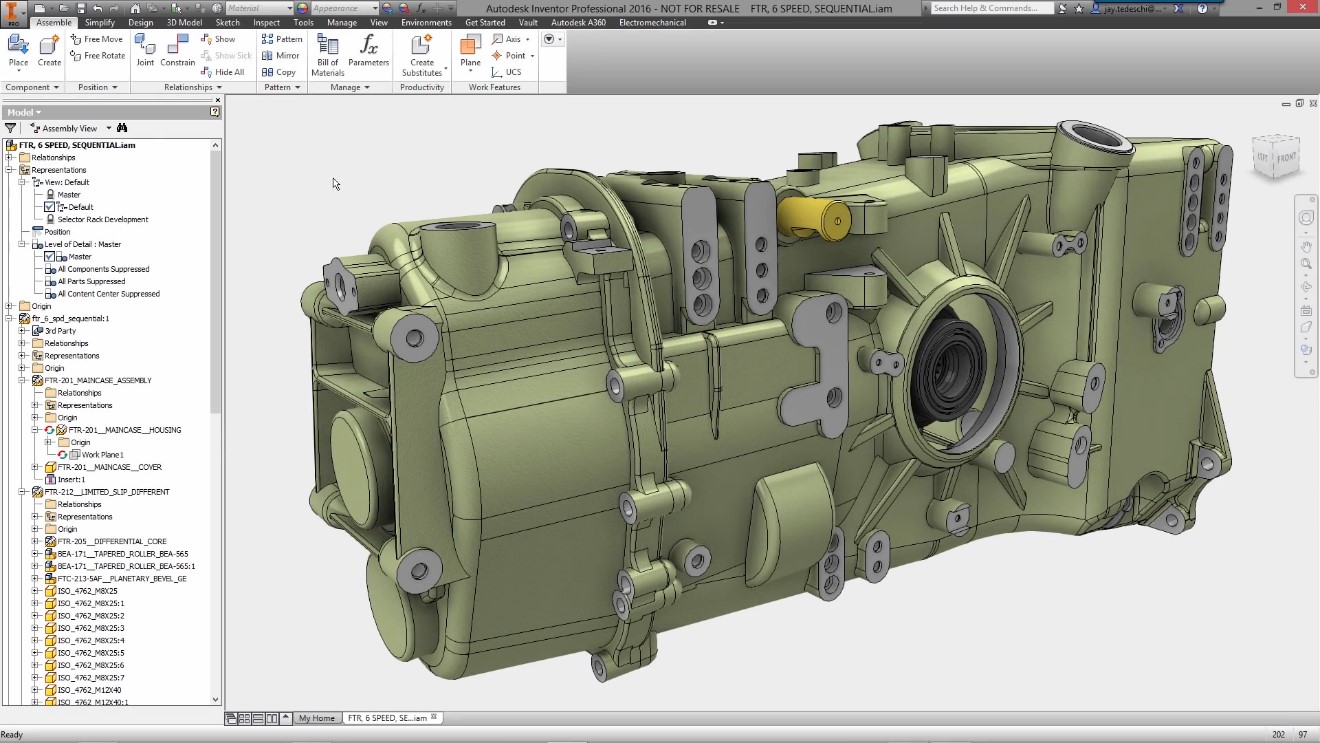
With thesse above advantages fuction, using parameters in your design makes you a professional designer and it will support you in your whole design process, right?
Automatically generate BOM
BOM (Bill of Materials) is a list of components, quantities, materials, etc. BOM will support in the process of design and fabrication of product. So it plays a quite important role in product design. BOM has been equipped with Autodesk Inventor design software by Autodesk, BOM is exported completely automatically and is also automatically updated when there is any change from your design. This feature has a very high flexibility, allowing you to control the product in the most optimal way. If the designer create BOM manually for their product, they will meet many problem in this process and it will waste their time. Totally 3D softwares will support the designers in:
- Automatically generate BOM
- Automatically update when the design changed
- Easy to customize the BOM’s Style
- Link with numbering (Balloon)
- Minimize errors
Frame Generator
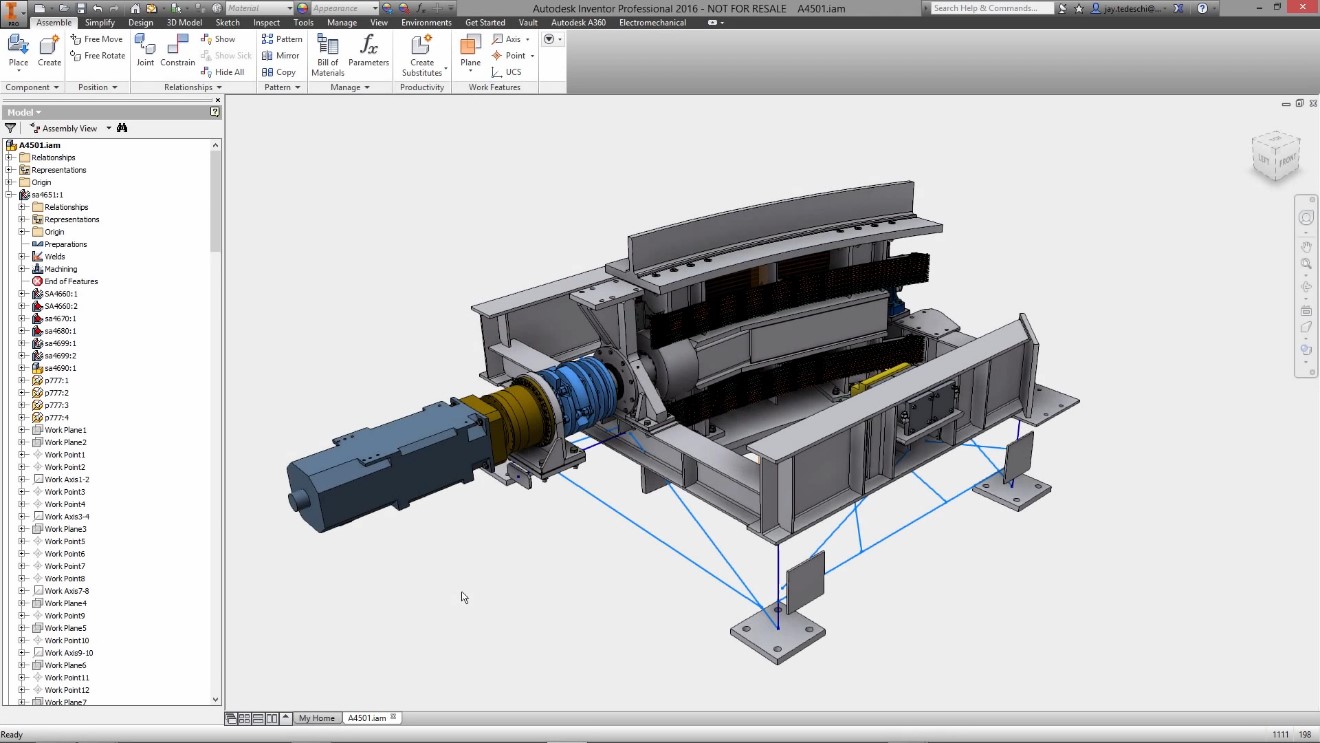
With 2D Design software maybe make the designer waste time generating the Frame in their design. But with Autodesk Inventor Professional will help you to create frame components quickly for your design. Not only that, the calculation of the weld is no longer a problem for designers. In addition, this tool also helps users to create frames according to their company's standards or can use common standards around the world. Create and export precise lists, reducing errors in the process.
Sheet Metal Design
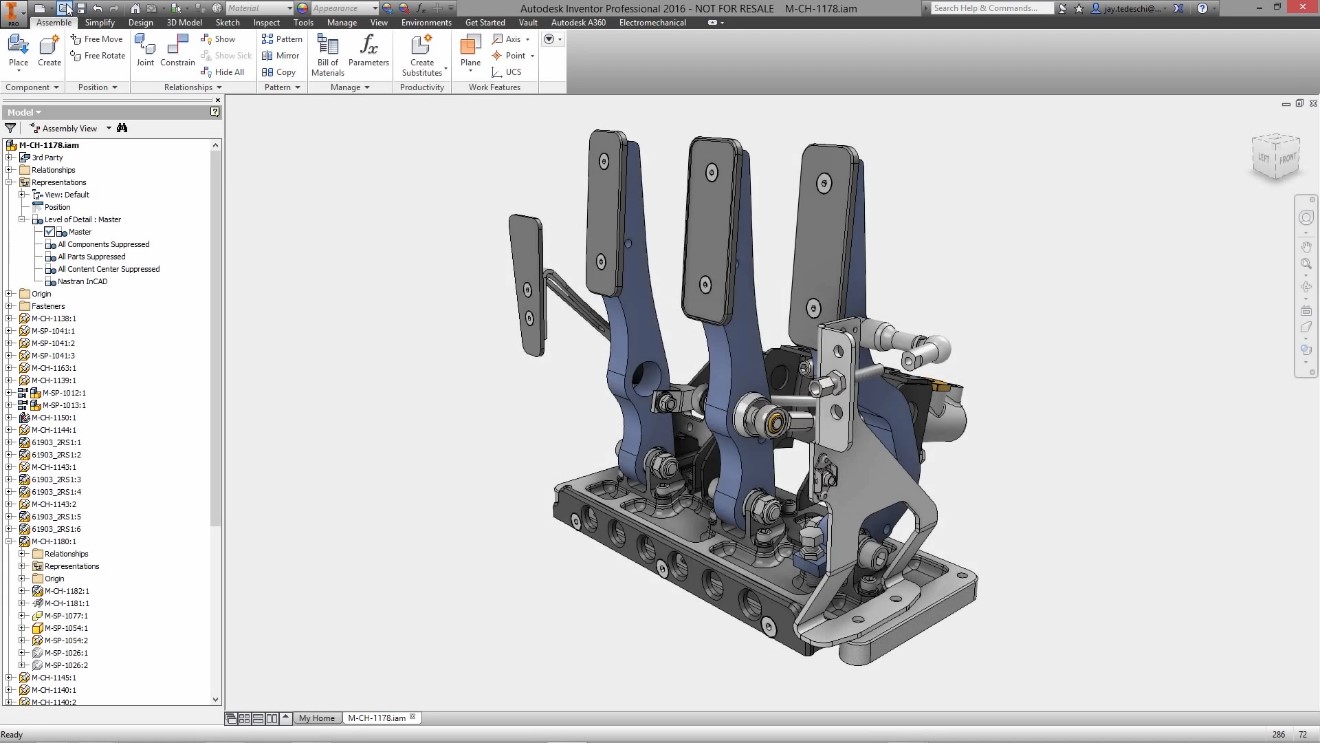
With Sheet Metal Environment Design in Inventor will the designers quickly create the sheet metal products. It will also help you to flat pattern as standard for your sheet metal design. The designers can easily manage the sheet metal components’ parameter. Generate the drawing for manufacturing is easier and update automatically when the components changed, with this function will reduce errors when working with sheet metal components.
Rendering to create a realistic picture
The way the designers see their design is different from the way customers see that product. So with 3D products, the designers will easily to create a realistic image for their designs to show to their customer. If you just use 2D design method, it will be hard to make the customer can understand your design. With 3D model, the designer can add the material, the environment's conditions and render it to make the product more realistic. With 3D software, especially Inventor Professional can help:
- Create the realistic picture for sale and marketing
- Reduce costs of photography, create photos
- Quickly apply and change the material
- Easy to set up and render
- Standard Material Library
Interference Analysis
In 2D Design, it is very difficult to know if components are colliding. But with 3D design, that is no longer a problem. With 3D design assembly, designers can easily analyze Interference between components. In Inventor Professional’s assembly environment will provide the functions to do it. Designers will be noticed about the interference between components and they will have the solution to it. With Inventor Professional can help you:
- Easily move components when checking interference
- Reducing errors in the design and manufacturing process
Simulation
Another strong point in Inventor Professional software is the ability to simulate and calculate. This function will help designers know the problems affecting the product in reality, so they can have the solution for it. In addition, the simulation tool not only helps you reduce warranty problems but also helps reduce investment costs in problems that should not be present, increase customer confidence. The simulation tool also helps you to reduce the weight of the part. Products will become compact to the lowest level while ensuring durability and reliability. Problems encountered when designing the product are automatically reported, allowing you to easily control what problems you encounter. In addition, this tool is simplified to help you use it easily and quickly.
Automation ability
Autodesk Inventor's automation capabilities help you improve your productivity:
- Automated design minimizes product arrival time
- Understand the purpose of designing and keeping intellectual property
Compatible with AutoCAD/DWG
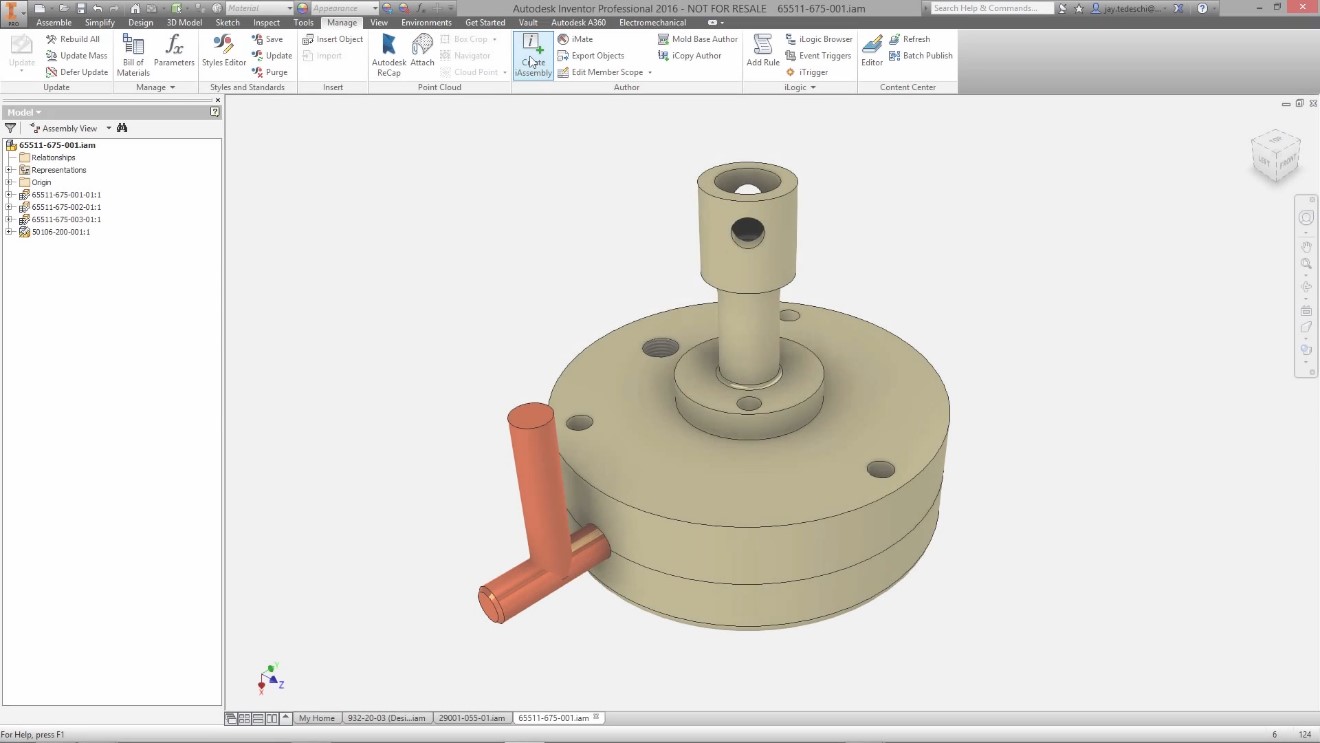
Autodesk Inventor is a design software born on the basis of AutoCAD. So it’s compatibility with is very high AutoCAD. Designer can use DWG from AutoCAD to build accurate 3D models in Inventor, then export the data files in DWG format, which is fully compatible with 3D models. Beside that, designers can export the DWG file from the 3D model to send to their customer for viewing in AutoCAD. 3D Views about product for customers and Autodesk Inventor is always equipped with modern tools available allow designer to have:
- Realistic view and picture about product
- There are more chances of winning in new bid packages
- Provide more data about product for Marketing
In addition to these 10 reasons above, Autodesk Inventor Professional also has outstanding advantages that make you have to change your mind
User Interface
- Support 4K resolution
- Expand the configuration of shortcuts
- Improving graphics
The ability to shape
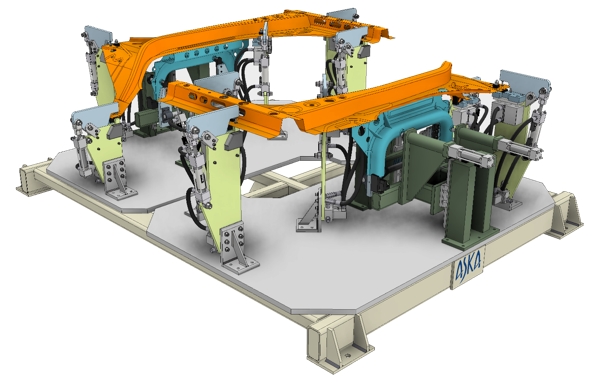
- Limit visual feedback
- Interactive controls
- Standard size composition
- Volume reduction target
- Symmetry control
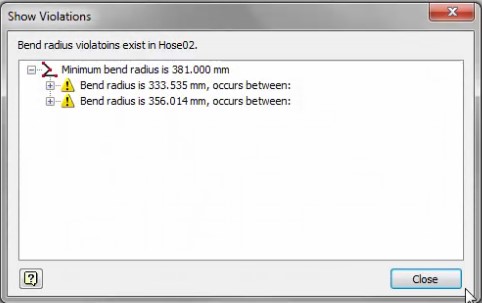
Tube and Pine Enviroment
- Easily found in the panel
- Create many intermediate points
- Always notice when having a problem
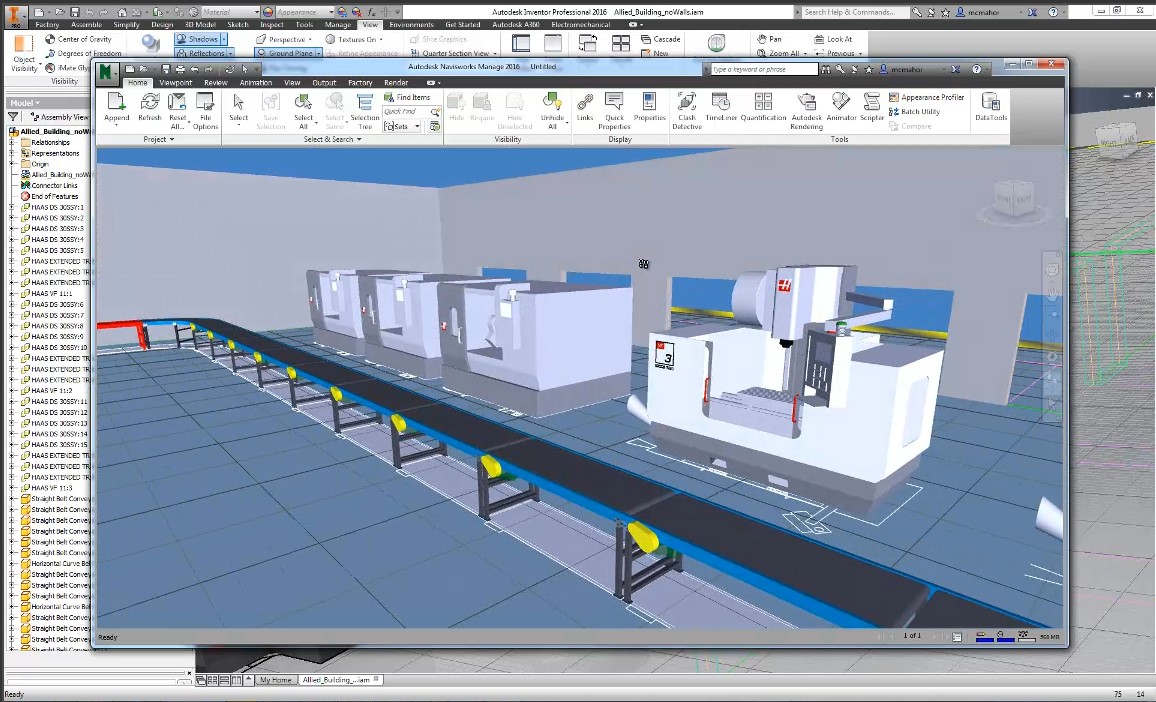
Factory Design
- Using the factory layout from AutoCAD
- Synchronization from Inventor to Navisworks
- Design data can be managed in Vault
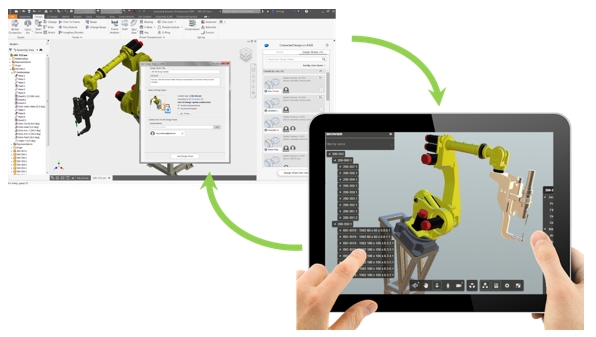
Inventor is connected to Autodesk A360
- View the 3D Model with Autodesl A360
- Check comments from Inventor Professional for products
- Navigation function in Autodesk 360
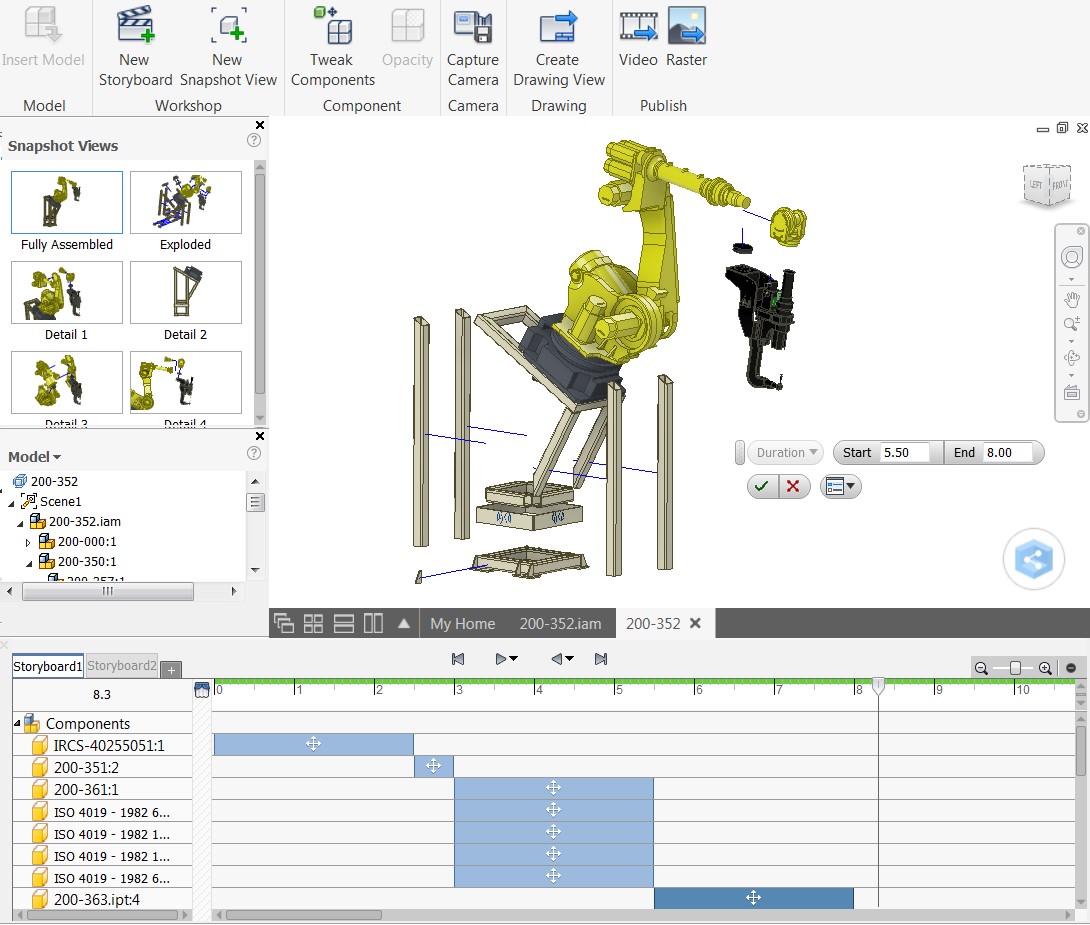
Improved product presentation
- Presentation with timeline bar
- Create Snapshot View to use in Drawing
- Export video for presentation
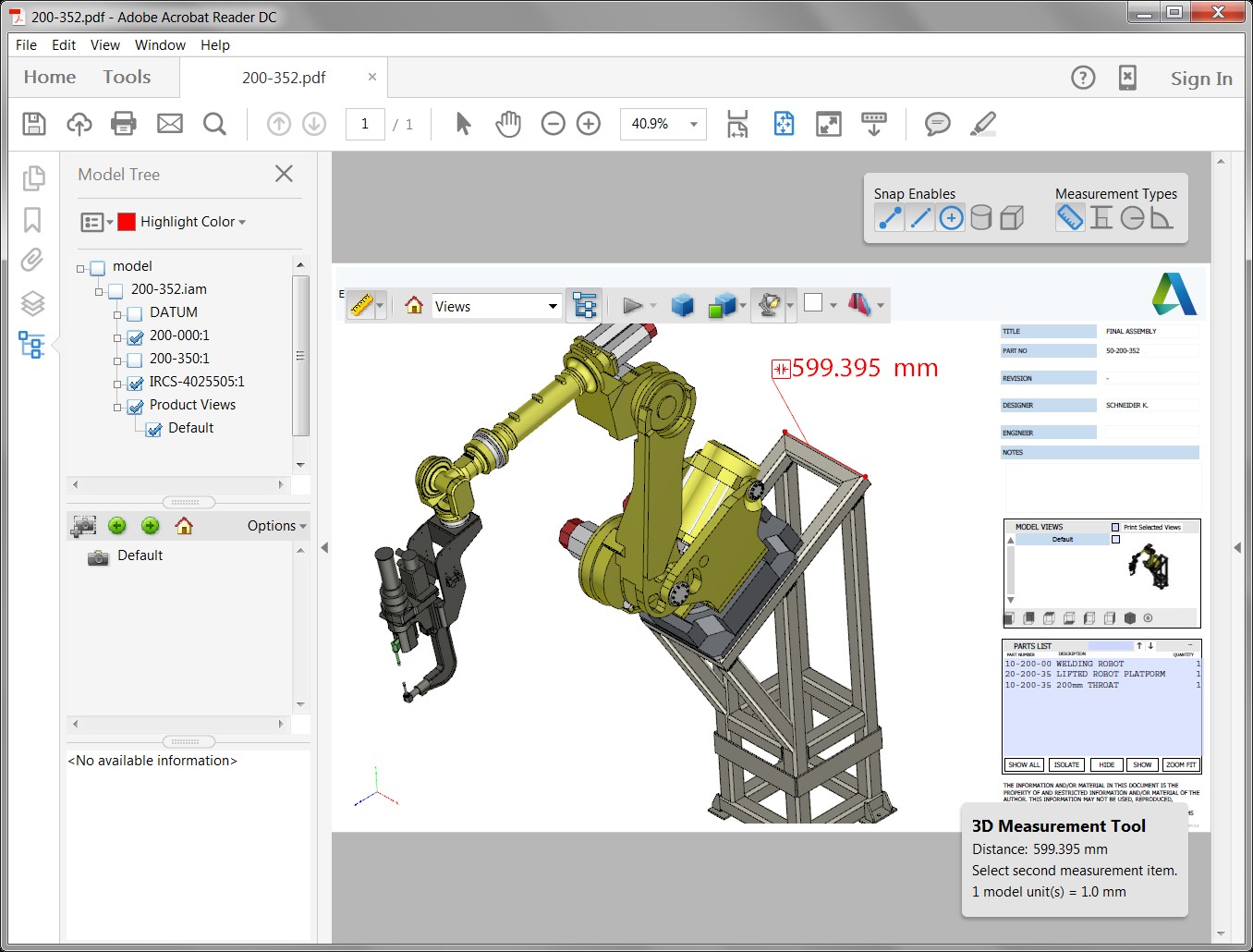
Export 3D PDF
- Create 3D model in PDF format
- Create a representative view
- Attach 3D Model Properties
Autodesk Inventor Professional is confident that it is the best-selling 3D design software and it is superior to other competitors in the world. Because Autodesk Inventor Professional always conquers and satisfies fastidious customers. OneCAD Vietnam hopes that the above article will give you useful information to help you succeed in your work.