

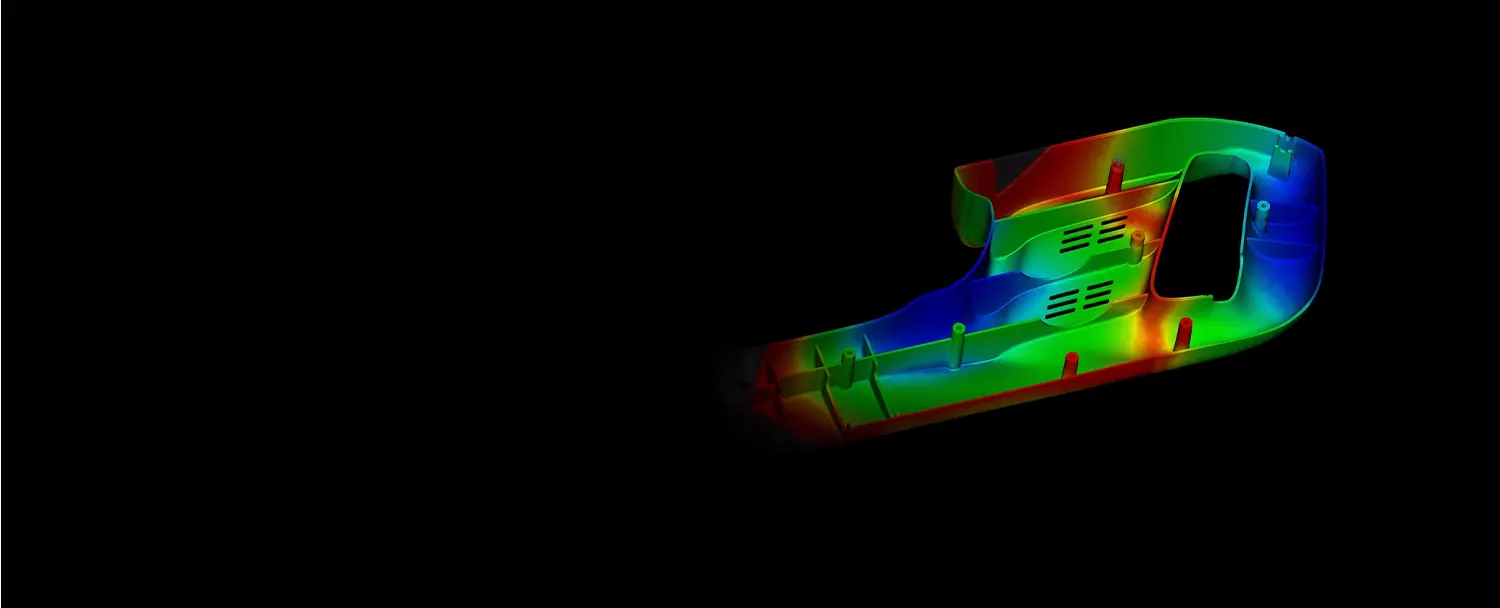

Plastic injection molding flow simulation and analysis software
TALK TO AN EXPERTDOWNLOAD FREE TRIAL
or call 0919-019-964
An introduction to
Moldflow
Moldflow® simulation software helps users fix part defects in plastic injection molding and compression molding.
Moldflow has a user-friendly interface and provides outstanding tools to guide you through and solve the challenges of plastic part manufacturing, such as part warpage, the efficiency of mold heating and cooling channels, and cycle time reduction.


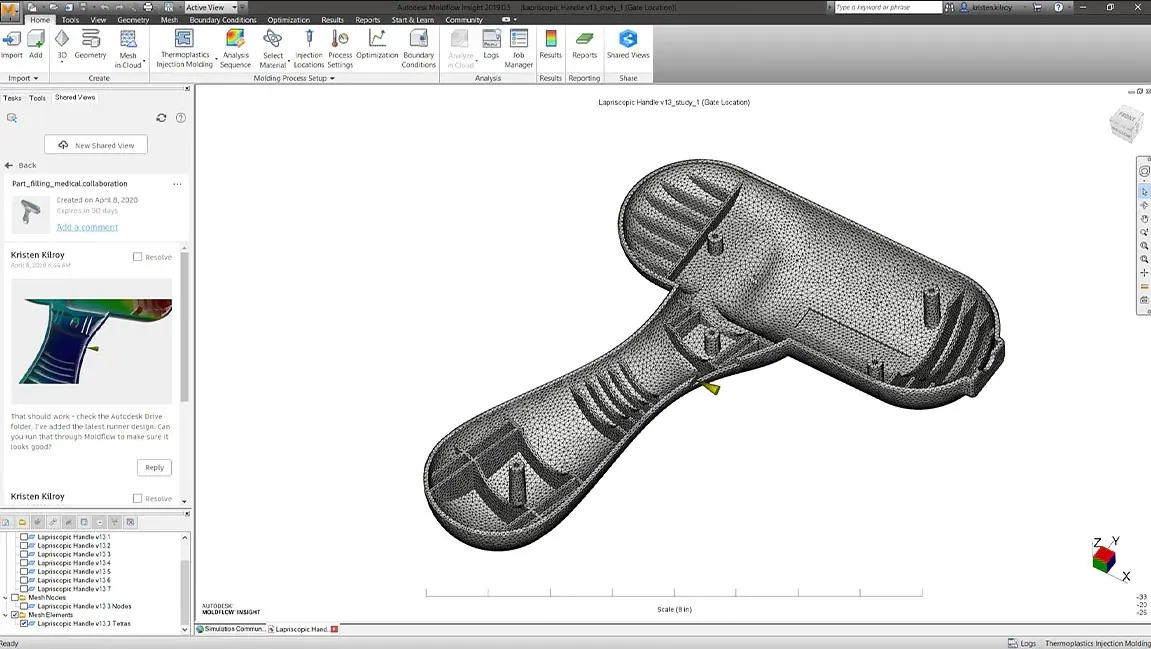
Optimize plastic parts, molds and the manufacturing process
Connect product design teams and reduce delays and rework costs.
- Autodesk Drive and Shared Views enable collaboration and work sharing
- Tools for making design changes quickly
- Automation tools reduce setup and post-processing
Extend solver flexibility to increase capacity
Minimize hardware limitations on solving with Moldflow Insight.
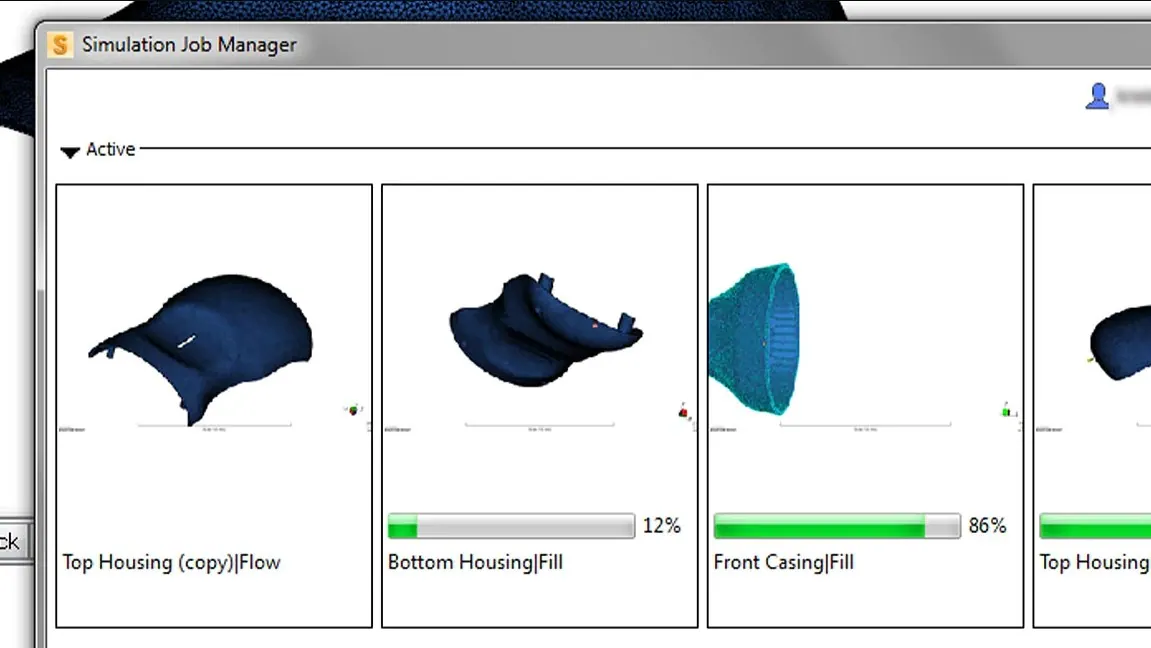
- Moldflow Insight meshes and runs simulations with options to solve on servers, remotely or on a secure cloud platform
- Run multiple simulations at once on remote servers and in the cloud
Enjoy the best deals at
OneCAD Vietnam, Autodesk’s strategic partner in Vietnam.
Key features
Moldflow Adviser features
Moldflow Insight features
Key features
Plastic flow simulation tools
Moldflow reduces molding defects by simulating how plastic flows in the mold. Plastic flow simulation helps optimize plastic part design, mold design and the injection molding process.
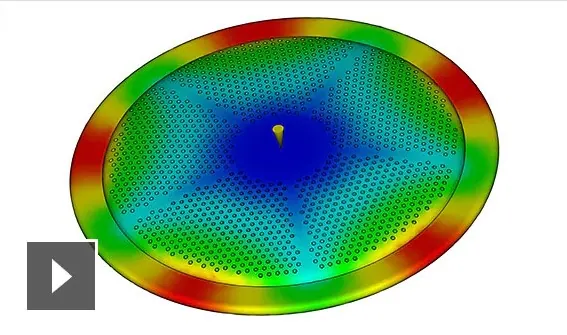
Mesh to solve in a single click
Improve productivity by meshing and analyzing the model in one step.
(video: 1:30 min)
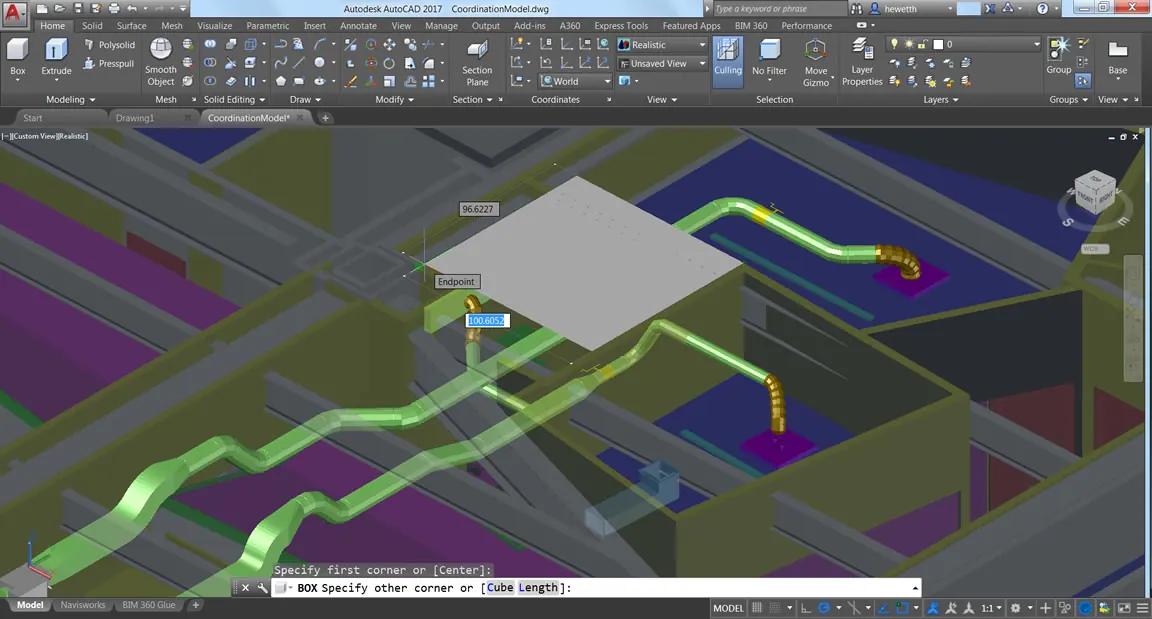
Prepare CAD models with Autodesk Fusion
Autodesk Fusion is integrated with Moldflow, making CAD model edits quick and easy.
(video: 3:06 min)
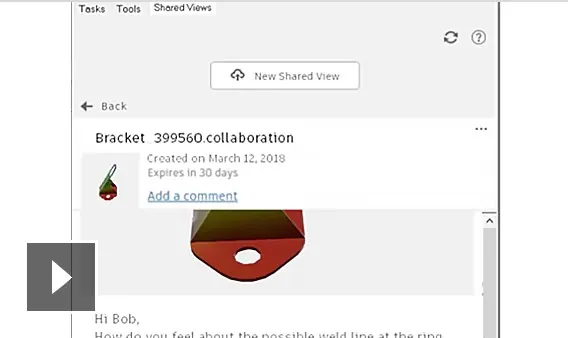
Collaborate with Shared Views
Collaborate on cloud-connected devices to share results, comments and design suggestions.
(video: 2:12 min)
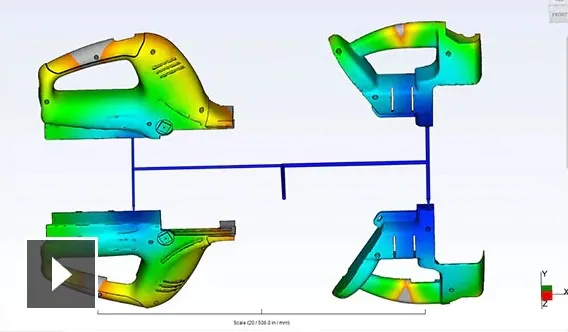
Runner balancing
Runner balancing analysis helps resize runners in multi-cavity molds so that pressure and fill time are uniform across cavities.
(video: 2:29 min)
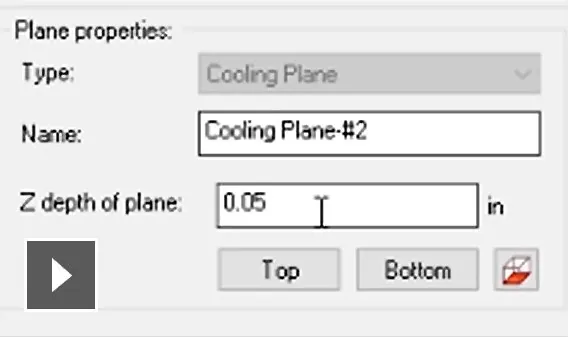
Mold cooling systems
Create cooling channels automatically step by step with a wizard, or import existing CAD files (2D or 3D).
(video: 2:09 min)
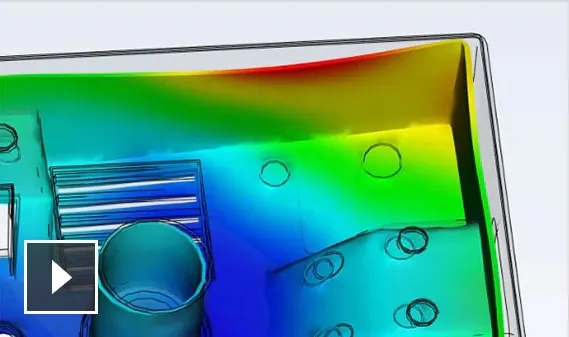
Predict part defects
Analyze part warpage and evaluate potential design defects to improve part quality.
(video: 2:14 min)

Flexible solving
Use the Simulation Compute Manager (SCM) to solve analyses locally, on a server or in the cloud.

Chemical foam molding
Simulate foaming of thermoplastic and thermoset materials (including polyurethane).
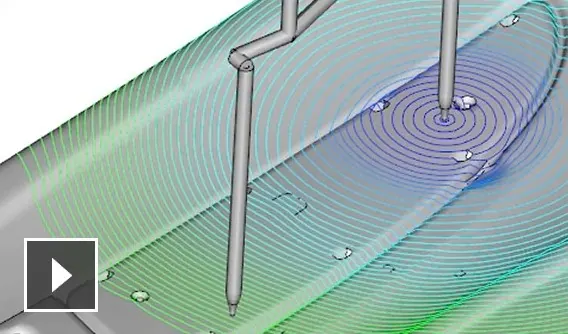
Controlled valve gate opening
Simulate sequential and non-sequential valve gates, together with hot runner system layouts.
(video: 2:22 min)
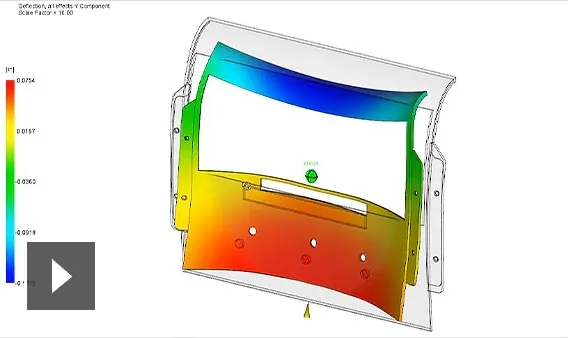
Predict shrinkage and warpage
Predict part quality with respect to the causes of warpage, and apply shrinkage factors.
(video: 3:17 min)
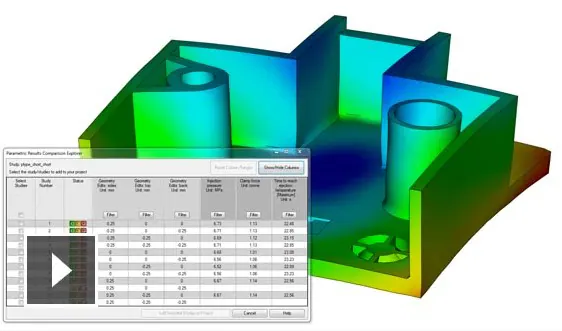
Part and process optimization studies
Use automated design of experiments and parametric analysis to identify the best process and design.
(video: 1:37 min)
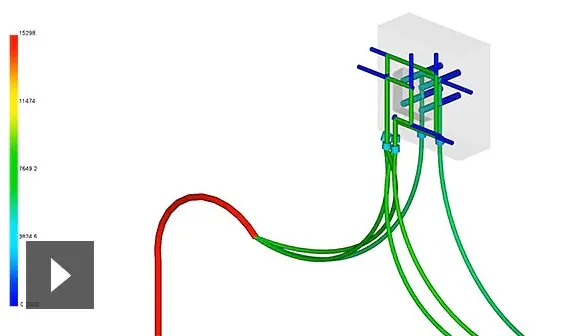
Total coolant flow history
Run a coolant flow analysis to review coolant behavior as it flows from the pump to the mold.
(video: 2:56 min)
Success Stories
Duy Tan Plastics – Win of the Day
The leading Company of Plastics in Vietnam deployed comprehensive Solutions of Autodesk for design, simulation, analysis, manufacturing,… With recent pandemic, investment is always considered very carefully but not for technology adoption and workflow management. After…
Consulting & Solutions

Frequently asked questions about OpenSpace
OpenSpace FAQ: pricing, compatible 360° cameras, data security, number of users, and integrations with Procore, BIM 360 and Autodesk Construction Cloud.
- Integrated Digital Delivery
- BIM Information Lifecycle Management
- AI-Enhanced 360° Camera Monitoring for Construction Sites
- Applying BIM and CDE in the Construction Phase: Effective BIM Implementation through Autodesk's CDE
Inventor Professional vs Autodesk Fusion: Which One to Choose?
Autodesk Fusion vs Inventor Professional: compare system requirements, cost, cloud storage and ease of use to choose the right 3D mechanical CAD software.
Event: Autodesk AI in Construction – Enhancing Productivity and Unlocking the Value of Project Data
Discover Autodesk AI in construction and learn how AI can support design workflows, unlock project data, and enhance productivity with Revit and Autodesk Forma.
OneCAD Vietnam at the Vietnam Industrial & Manufacturing Fair – VIMF 2026
On June 17, 2026, OneCAD Vietnam participated in the Vietnam Industrial & Manufacturing Fair (VIMF) Binh Duong 2026, held at the World Trade Center…
Autodesk and OneCAD Celebrating AXANH 10-Year Anniversary Event
Vietnamese version On June 16, 2026, Autodesk and OneCAD Vietnam were honored to attend the 10th anniversary celebration of AXANH, a leading Vietnamese engineering…
Views: 8,263