CAM Solutions for CNC Machining
An engineering manager receives three orders in the same week: a mold with freeform surfaces, a batch of 200 repeat mill-turn parts, and a prototype whose design keeps changing. Three jobs, three different ways of programming, yet the whole department has only one software package.
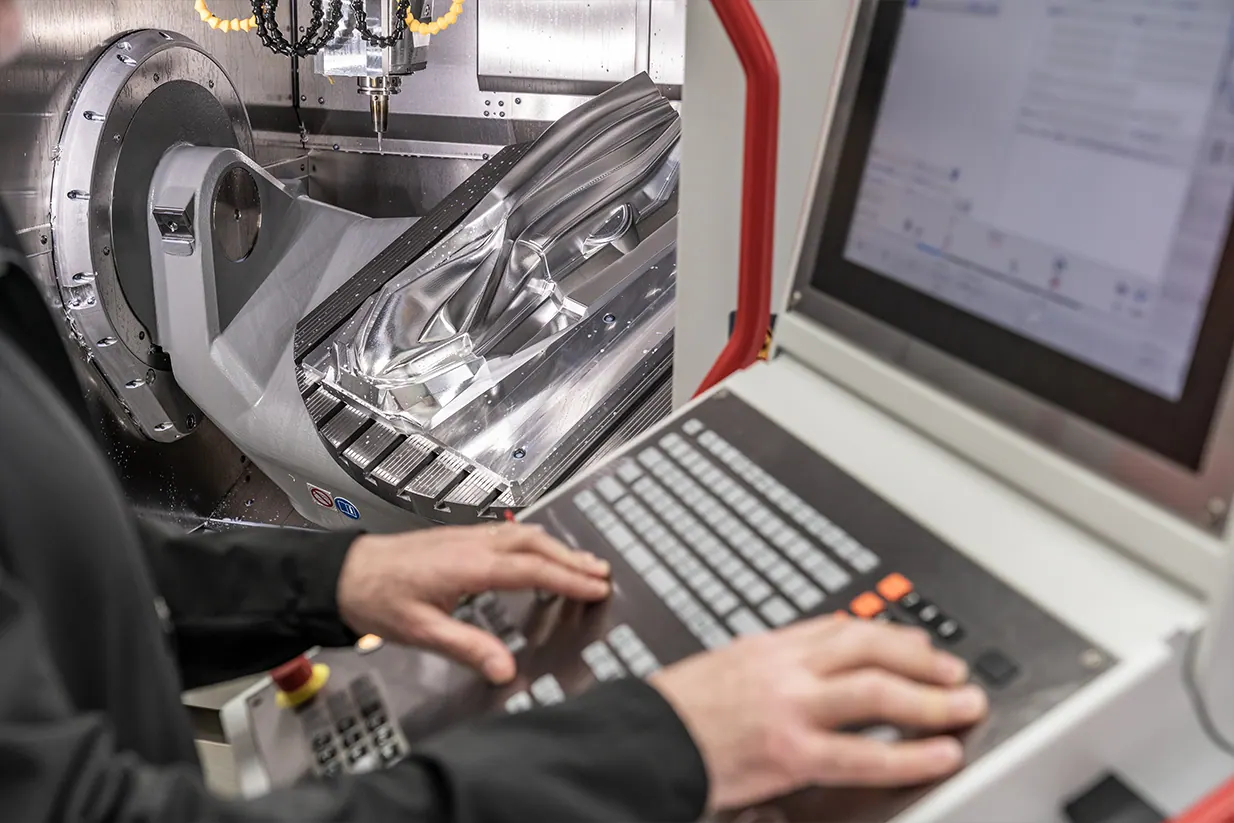
This is why Autodesk does not offer a single CAM product. Each product solves a specific machining problem. The right choice shortens programming time, reduces collisions and gets the most out of the CNC machines you have invested in. The wrong choice means paying for features you never use, or missing exactly the ones your shop needs.
If you need an overview of CAM before comparing products, read Autodesk CAM Solutions. This article goes deeper into choosing software by machine type and part type.
Which Autodesk CAM software supports CNC machining?
Autodesk CAM software programs the toolpaths used to machine parts, from simple to complex. There are four main options:
PowerMill: high-speed, multi-axis machining
Program molds, dies and complex parts efficiently and to high quality on 3- to 5-axis machines. See the PowerMill product page.
- Many modern toolpath strategies and a wide library of options
- Automatic collision avoidance in 5-axis machining
- Templates and macros to automate programming and reduce manual polishing
- Simulation and verification for CNC machines and industrial robots
FeatureCAM: automated programming
Automates programming and shortens lead times for CNC milling, turning and wire EDM. See FeatureCAM.
- Automatic feature recognition (AFR) directly from the design
- One interface for 3- to 5-axis milling, turning, mill-turn, Swiss-type lathes and wire EDM
- Standardized best practices so every programmer works the same way
Autodesk Fusion: CAM on a cloud platform
Combines CAM with mechanical design, simulation and collaboration tools on one cloud platform, synchronized across Mac and PC. See Autodesk Fusion.
- CNC programming from 2.5-axis to 5-axis
- CAD, CAM and CAE in one environment, with no file transfers
- Runs on both Windows and macOS
Inventor CAM: CAM embedded in CAD
Integrated into Inventor Professional to program CNC parts and resynchronize toolpaths when the design changes. See Inventor CAM.
- 2.5- to 5-axis milling, turning and mill-turn
- Adaptive clearing makes roughing up to 4 times faster and extends tool life
- Available only in the Product Design & Manufacturing Collection
Choosing CAM software by shop scenario
Rather than comparing feature lists, start from how your shop works today:
| Scenario | Best fit |
|---|---|
| Molds, fixtures or freeform parts on 5-axis machines | PowerMill |
| Many repeat parts and a need to depend less on a few programmers | FeatureCAM |
| Frequent design changes, prototyping, many low-volume part numbers | Autodesk Fusion |
| The design department already uses Inventor | Inventor CAM |
| Mostly machining from customer files, stable processes, another CAD system already in place | Standalone CAM software (e.g. PowerMill, FeatureCAM) |
According to OneCAD’s analysis based on Autodesk documentation, an integrated platform is usually the better fit when a company revises designs often, needs close coordination between design and production, machines on 4 or 5 axes, or has a small team wearing many hats. Standalone CAM, on the other hand, still makes sense if the shop machines from customer files and has dedicated programmers. Read the full analysis in Fusion for Manufacturing vs. standalone CAM software: which is right for you? (in Vietnamese).
For people new to CAM, Autodesk Assistant in Fusion helps create setups and toolpaths through conversation, while the user stays in control of cutting parameters. See simpler CNC milling programming with Autodesk Assistant (in Vietnamese).
See real programming in action
The four videos below show PowerMill, FeatureCAM, Autodesk Fusion and Inventor CAM in turn.
PowerMill
FeatureCAM
Autodesk Fusion
Inventor CAM
What have machine shops achieved with Autodesk CAM?
The three stories below match three of the choices above: machining difficult parts with PowerMill, removing programming bottlenecks with FeatureCAM, and connecting design with production in Fusion.
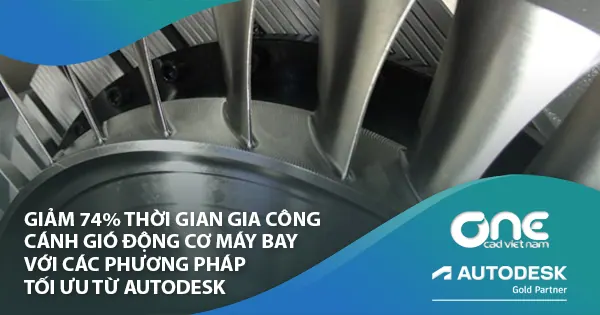
Cutting machining time for aircraft engine blades by 74%
For a Ti-64 titanium blisk (up to 800 mm in diameter, 31 blades), the Autodesk consulting team used machining strategies in Fusion with PowerMill, barrel cutters and PowerMill’s Blade, Blisk and Impeller tool-axis control algorithms. On-machine inspection was carried out with PowerInspect.
- Machining time fell from 135 hours to 35 hours, a 74% reduction.
- Cutting tool costs fell by 45%.
- Tolerances of around 0.01 mm were achieved.
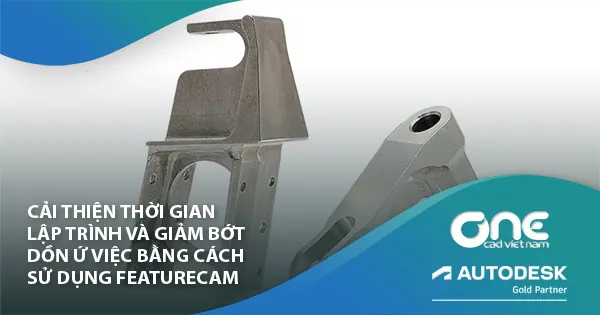
Bright Engineering: FeatureCAM removes programming bottlenecks
Bright Engineering machines precision parts for the aerospace, defense and oil and gas industries. The company bought two FeatureCAM licenses and trained three employees so it no longer depended on a single programmer.
- According to CEO Jon Hoyle, FeatureCAM and the training package removed programming bottlenecks and improved programming time by up to 50%.
- Overall efficiency of milling work improved by up to 25% within six months.
- Clearer documentation for operators and faster job setup.
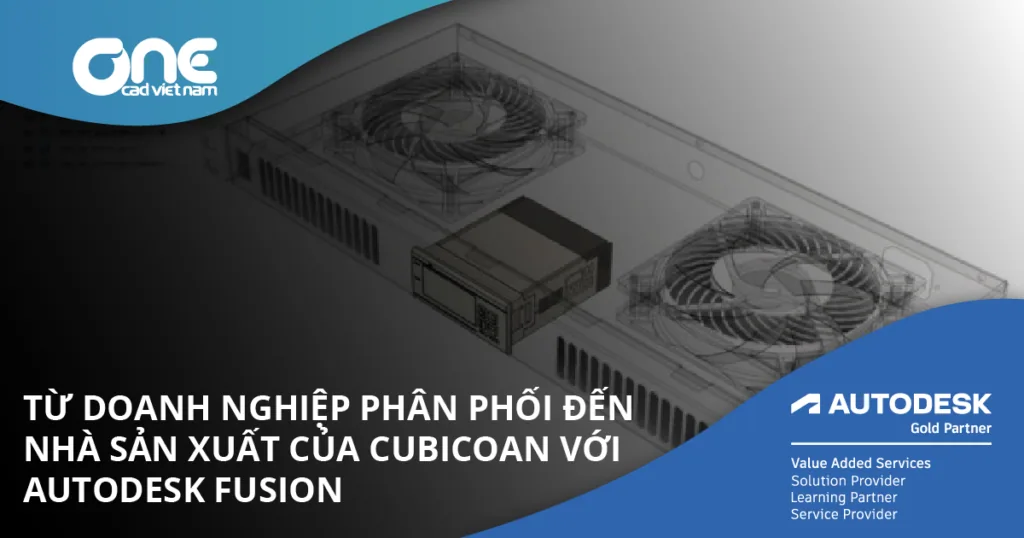
Cubicoan: from distributor to manufacturer with Autodesk Fusion
Cubicoan moved from importing and distributing rack cabinets to designing and manufacturing its own electrical enclosures. Design engineers, the machining team and partners all work on a single, up-to-date model in the cloud.
- Prototyping time fell by 30–40%.
- The design-to-production cycle was shortened by almost 25%.
- A rule-based Sheet Metal environment produces accurate, consistent flat patterns.
OneCAD supports CAM implementation for machine shops
OneCAD has been an Autodesk Gold Partner since 2017 and an Autodesk Authorized Training Center (ATC) since 2016, and was recognized as a Service Provider Select in 2020. For a machining team, this means you get both the licenses and people who work alongside your programmers until programs run reliably on the machines:
- Assessment: we review your machines, part types, materials and current programming practices.
- The right product: we recommend software that matches your needs, so you neither overbuy nor underbuy.
- Training: user training to Autodesk standards, plus workshops and webinars on machining programming.
- Technical support: close support with difficult parts, version updates and process optimization.
Learn more about OneCAD and our industrial robot programming solution.
Frequently asked questions about CAM for CNC machining
Which CAM software supports 5-axis machining?
PowerMill supports programming for 3- to 5-axis machines with automatic collision avoidance. FeatureCAM supports 3- to 5-axis milling, Inventor CAM supports 4- and 5-axis milling, and Autodesk Fusion supports 2.5-axis to 5-axis. Simultaneous 4- and 5-axis machining in Fusion requires access to the Fusion Manufacturing Extension.
Can I do CAM programming on a Mac?
Yes. Autodesk Fusion is one of the few engineering design applications that runs on both Windows and macOS, and it keeps your work in sync across the two operating systems.
Can FeatureCAM program lathes and wire EDM?
Yes. FeatureCAM supports milling, turning, mill-turn, Swiss-type lathes and wire EDM in the same interface.
Can Inventor CAM be purchased separately?
According to the product page, Inventor CAM is distributed only in the Product Design & Manufacturing Collection. Contact OneCAD for advice on the right package.
Should I use standalone CAM or an integrated platform?
It depends on how often designs change and how your team is organized. If designs change frequently and the team is small, an integrated platform such as Fusion cuts down on file transfers. If you machine from customer files and have dedicated programmers, standalone CAM still makes sense.
Put your own part to the test
Bring a part that is giving your shop trouble, and a OneCAD engineer will program it with you and compare the options. Contact OneCAD to book a session, or call our hotline 0919-019-964.
Related products


Autodesk Fusion (formerly Fusion 360) connects your whole workflow with CAD, CAM, CAE and PCB in one cloud platform. Buy licenses from OneCAD Vietnam.


Autodesk Inventor CAM brings 2.5- to 5-axis milling, turning and mill-turn into Inventor. Included in the PD&M Collection, available from OneCAD Vietnam.


PowerMill 5-axis CAM software from OneCAD Vietnam: advanced CNC programming, collision avoidance, simulation, and Standard vs Ultimate compared.