Navisworks training for businesses
In-house Navisworks courses for BIM teams and contractors — federate multi-discipline models, detect clashes before construction, simulate 4D schedules and take off quantities; trained on your own project models, with Autodesk certificates.
- 6modules from federation
to hand-over - BIMInstructors coordinate
BIM on real projects - ATCAutodesk Authorized
Training Center
Find clashes in the model, not on site
Every clash between structure, ducts and pipes found on site means rework and delays. Navisworks federates every discipline so they are found and fixed while still on screen.
Catch clashes early
Rule-based clash tests, grouped and assigned — less rework and fewer site changes.
Learn on live projects
Exercises come from your real projects; instructors solve the exact problems your team faces.
Schedule and quantities from the model
4D construction sequencing and direct quantity takeoff — owners see the plan before work starts.
Navisworks learning path
Pick the modules that fit your team — the instructor combines them into one syllabus after the assessment.
Navisworks fundamentals
Opening and federating modelsFederate Revit, Civil 3D, IFC and point-cloud models; navigate, measure, annotate and save viewpoints.Clash detection
Clash DetectiveSet up clash tests, tolerances and rules, group clashes, assign them and export reports.4D schedule simulation
TimeLinerLink Project/Primavera schedules to the model, simulate construction sequence and export videos.Quantity takeoff
QuantificationTake off quantities from models and 2D sheets, build item catalogues and export to spreadsheets.Multi-discipline coordination
Coordination meetings · IssuesWeekly coordination meeting workflow and issue tracking with Coordination Issues in the cloud.Presentation & hand-over
Animator · RenderingCreate animations, renders and lightweight NWD packages owners and contractors can view without the software.How the course runs
Skills and project assessment
The instructor reviews your discipline models and how the team coordinates today.
Tailored syllabus
Modules chosen by role: BIM coordinator, site engineer, quantity surveyor.
Hands-on sessions
Exercises use your real project models; on-site, at OneCAD or online.
Test and certificate
A final clash test and report on a real model, plus an Autodesk Certificate of Completion.
Standards hand-over
Clash test rule sets, report templates and the coordination meeting workflow built during the course are handed over.
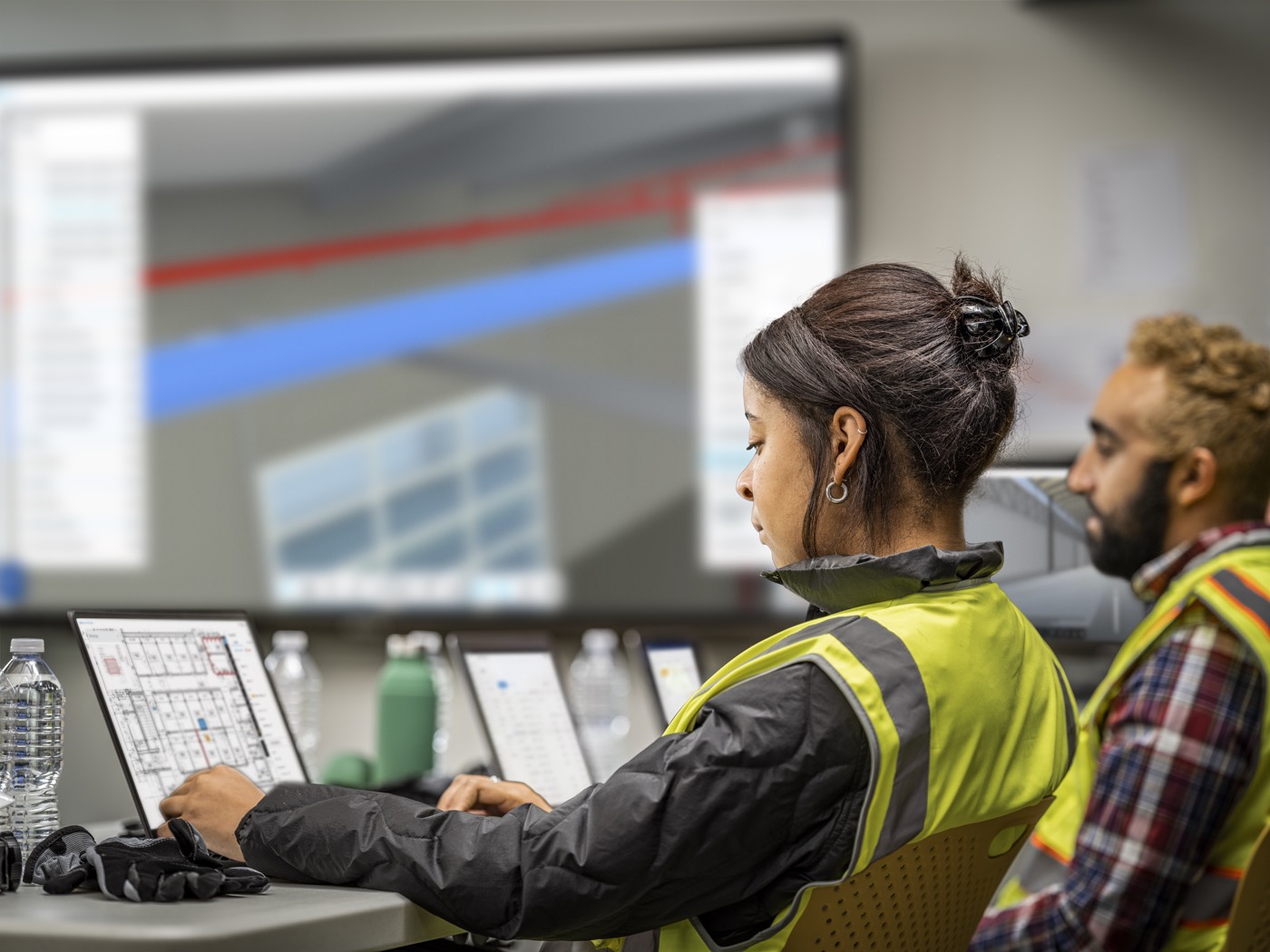 Image: Autodesk
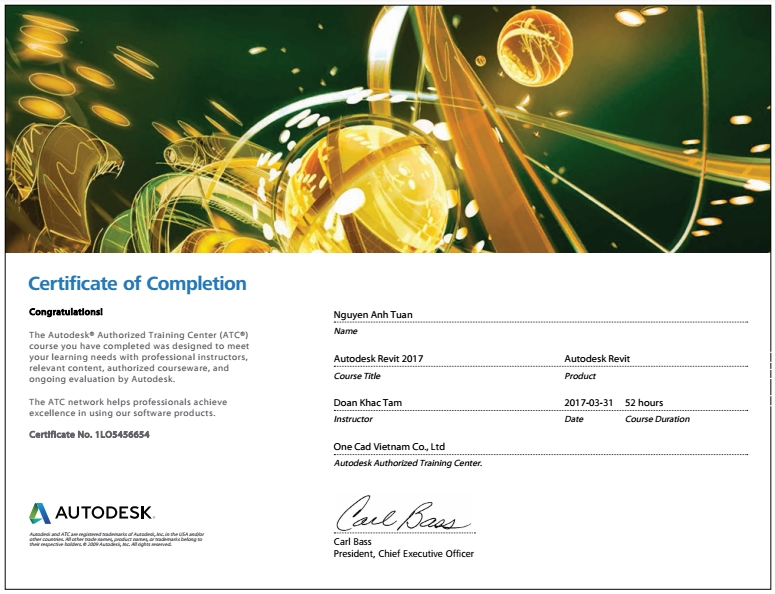
Finish with an Autodesk certificate
Learners who complete the course receive an Autodesk Certificate of Completion. Navisworks has no dedicated Autodesk Certified Professional exam; engineers who need more continue with Revit or Civil 3D and sit the Autodesk Certified Professional exam at OneCAD — an Autodesk-authorised test centre.
- Autodesk Certificate of Completion via an authorised centre
- Verifiable credentials recognised worldwide
- For Autodesk Certified Professional exams, continue with Revit or Civil 3D
Companies trained by OneCAD

Navisworks training FAQ
How is Navisworks Manage different from Simulate?
Navisworks Manage adds Clash Detective for clash detection; Simulate has 4D simulation and quantities but no clash detection. The course follows the edition you use.
Do we need Revit before Navisworks?
Not required. Navisworks reviews and coordinates models from many tools; reading drawings and knowing the design process is enough. Revit modellers also learn to export clean models for coordination.
Do we train on our own project models?
Yes. Exercises use your real models: federate disciplines, run clash tests, report and simulate the schedule exactly as your team will on projects.
Does the course cover the BIM coordinator workflow?
Yes. The coordination module covers meeting workflow, triaging and assigning clashes and cloud tracking — suited to the BIM coordinator role.
Is there a certificate?
Learners receive an Autodesk Certificate of Completion through OneCAD's Authorized Training Center.
How is Navisworks training priced?
By number of learners, number of sessions and modules chosen. OneCAD sends a syllabus and quote after a free assessment.
Your team uses several products? See all Autodesk corporate training
Get a Navisworks syllabus for your team
Tell OneCAD your project types, team size and Navisworks version — an instructor will send a syllabus and assessment schedule.