

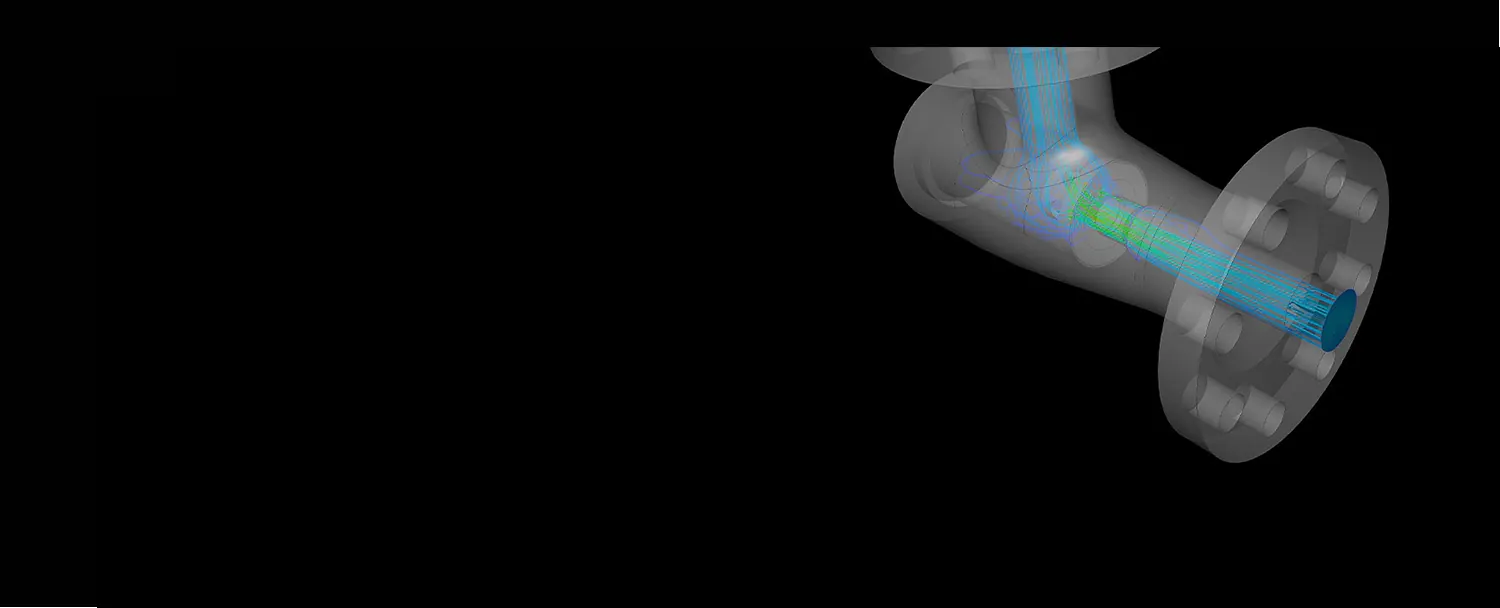

CFD software calculates the dynamics of matter in space
TALK TO AN EXPERTDOWNLOAD FREE TRIAL
or call0919-019-964
Autodesk CFD overview
Autodesk CFD is software for calculating and simulating the dynamics of matter such as liquids, gases and heat flow. It helps engineers and analysts logically predict how liquids and gases will flow and spread.
Autodesk CFD licensing
Call now: 0919-019-964
for a quote from OneCAD VN!
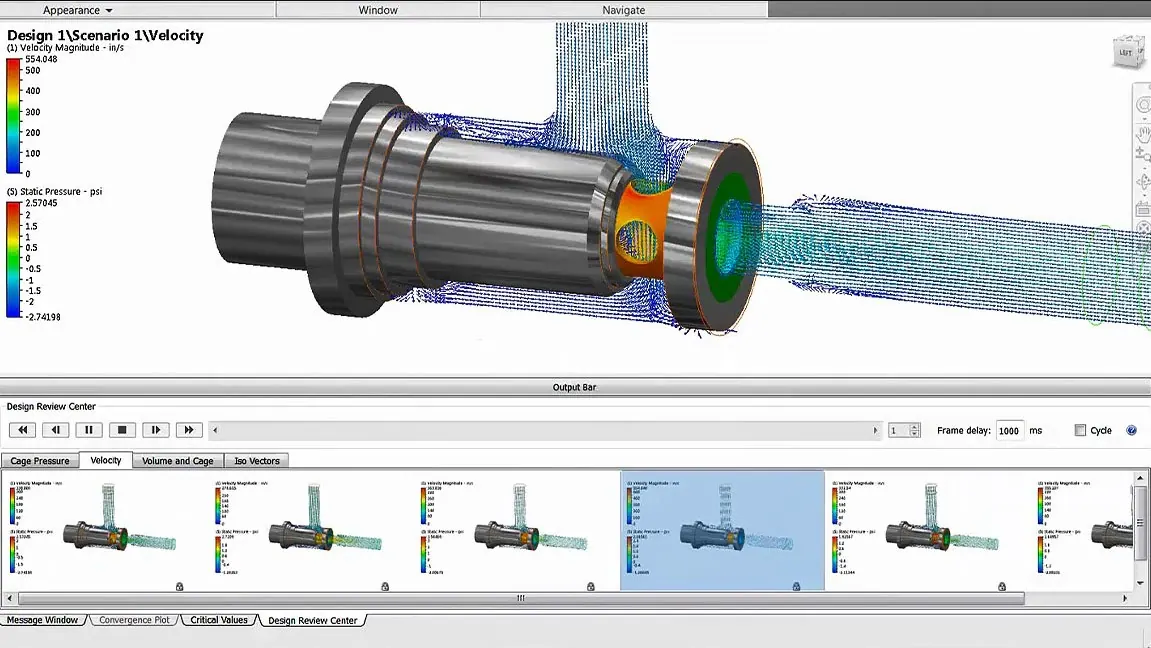
Design systems that control fluids, heat flow and motion
Autodesk CFD gives engineers a powerful set of tools to optimize system design.
- Fluid motion and free surfaces
- Thermal management for cooling electronics
- Integration with BIM for excellent support of HVAC control in AEC (Architecture, Engineering & Construction) and MEP (Mechanical, Electrical & Plumbing).
Improve efficiency with design automation
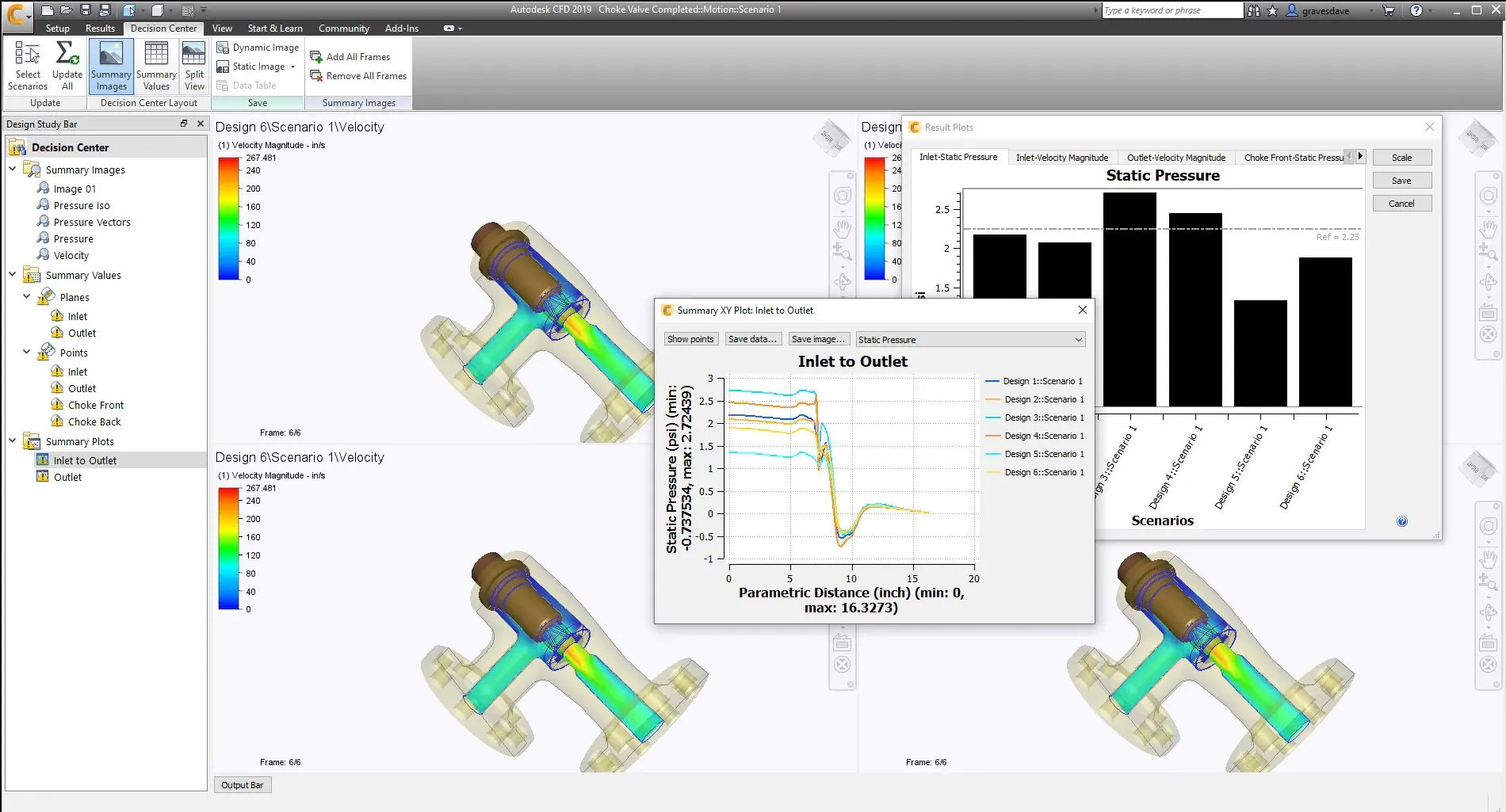
The application programming interface (API) and extension functions expand Autodesk CFD by customizing and automating common Decision Center tasks. In addition, automatic comparison in Decision Center speeds up decisions toward the best design.
Enjoy the best deals at
OneCAD Vietnam, Autodesk’s strategic partner in Vietnam.
Key features
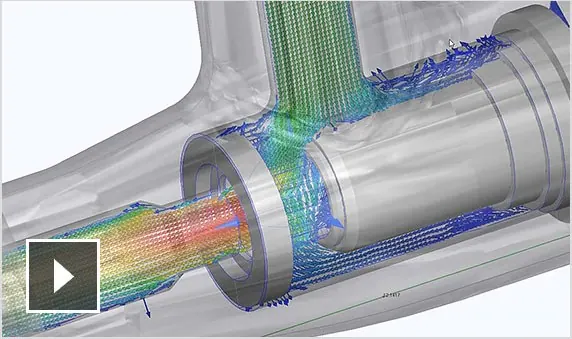
Flow control applications
Optimize designs when you need to improve pressure drop or flow distribution.
(video: 2:20 min)
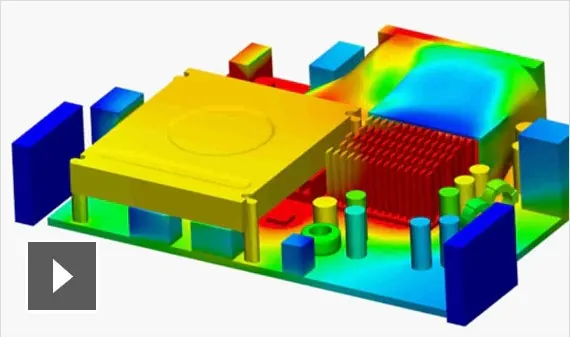
Heat transfer simulation
Calculate thermal models efficiently. Solve for all modes of heat transfer, from solid to solid or from solid to fluid.
(video: 2:09 min)
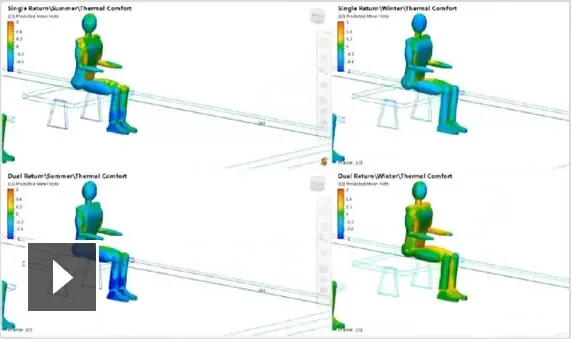
Architectural and MEP applications
Improve building performance with optimized design.
(video: 2:39 min)
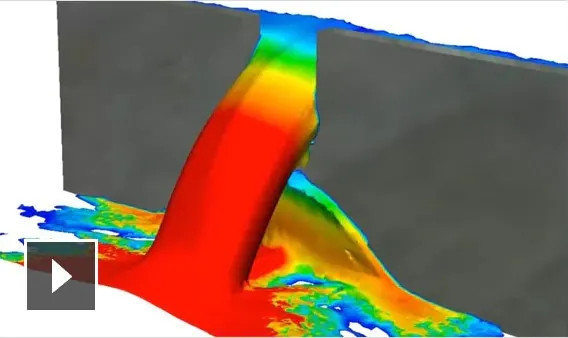
Free surface modeling
Simulate the interface between liquids and gases. Model fluid phenomena such as waves, sloshing of liquid inside objects, and overflow.
(video: 1:19 min)
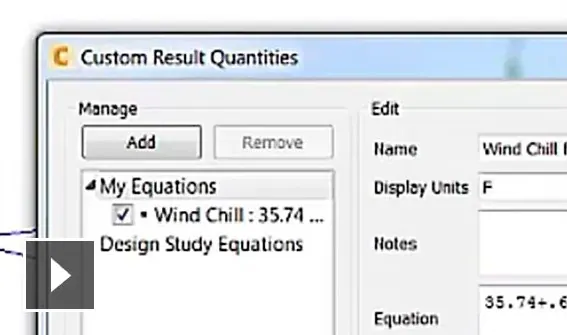
Custom calculation equations
Create calculation equations that fit your needs.
(video: 1:28 min)
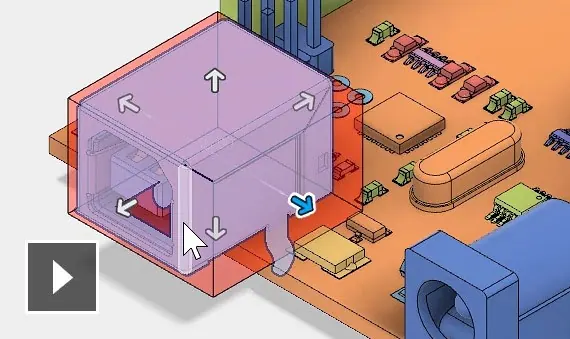
Autodesk Fusion CAD simplification
Connect to Autodesk Fusion to simplify and modify CAD.
(video: 1:05 min)
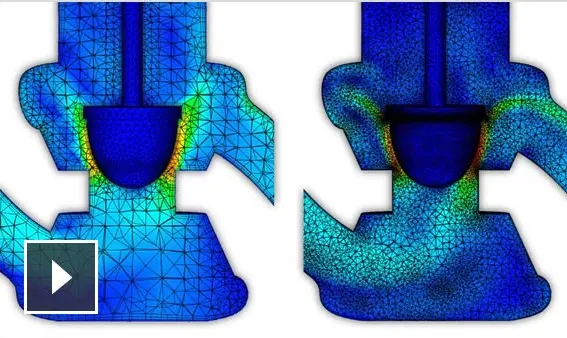
Automatic meshing
Automatically calculate element mesh sizes based on the geometry of the analyzed object.
(video: 1:58 min)

Flexible result calculation
Run analyses on your own computer, a workstation or a remote HPC server to simulate large models or many jobs.
Success stories

Duy Tan Plastics – Win of the Day
The leading Company of Plastics in Vietnam deployed comprehensive Solutions of Autodesk for design, simulation, analysis, manufacturing,… With recent pandemic, investment is always considered very carefully but not for technology adoption and workflow management. After…
Consulting & solutions

Frequently asked questions about OpenSpace
OpenSpace FAQ: pricing, compatible 360° cameras, data security, number of users, and integrations with Procore, BIM 360 and Autodesk Construction Cloud.
- Integrated Digital Delivery
- BIM Information Lifecycle Management
- AI-Enhanced 360° Camera Monitoring for Construction Sites
- Applying BIM and CDE in the Construction Phase: Effective BIM Implementation through Autodesk's CDE
Inventor Professional vs Autodesk Fusion: Which One to Choose?
Autodesk Fusion vs Inventor Professional: compare system requirements, cost, cloud storage and ease of use to choose the right 3D mechanical CAD software.
Event: Autodesk AI in Construction – Enhancing Productivity and Unlocking the Value of Project Data
Discover Autodesk AI in construction and learn how AI can support design workflows, unlock project data, and enhance productivity with Revit and Autodesk Forma.
OneCAD Vietnam at the Vietnam Industrial & Manufacturing Fair – VIMF 2026
On June 17, 2026, OneCAD Vietnam participated in the Vietnam Industrial & Manufacturing Fair (VIMF) Binh Duong 2026, held at the World Trade Center…
Autodesk and OneCAD Celebrating AXANH 10-Year Anniversary Event
Vietnamese version On June 16, 2026, Autodesk and OneCAD Vietnam were honored to attend the 10th anniversary celebration of AXANH, a leading Vietnamese engineering…
Views: 15,818