

A complete solution for engineering data management (PDM)
A professional data management system from Autodesk, integrated directly into Autodesk software such as Inventor, AutoCAD…
Manage data for your entire design
Part of Autodesk’s complete solution
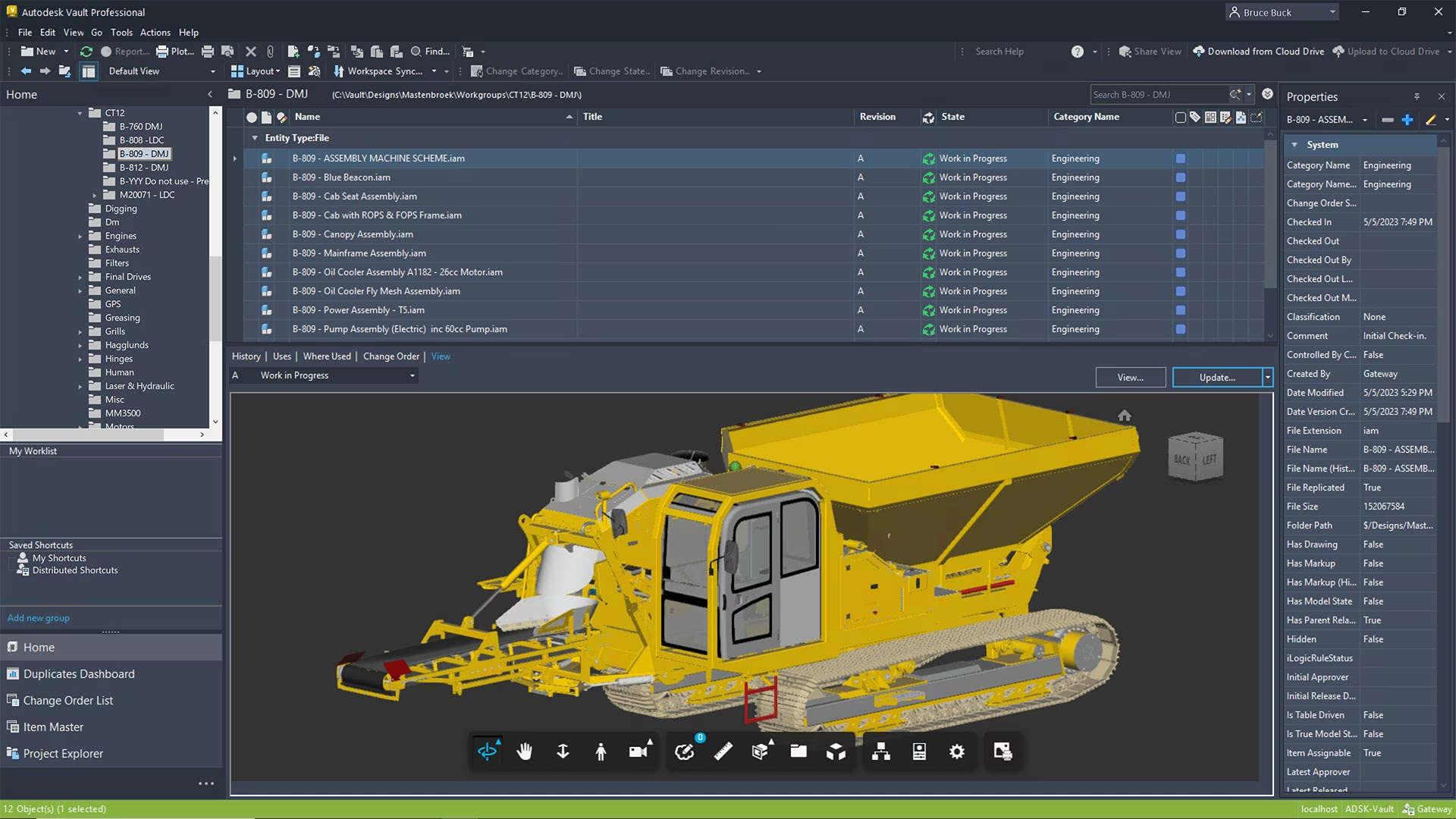
Autodesk Vault helps you track and control design data. Data is stored centrally, making it easy for users to share information and collaborate. Save as much project time as possible and reduce the risk of data loss.

The benefits of
Autodesk Vault
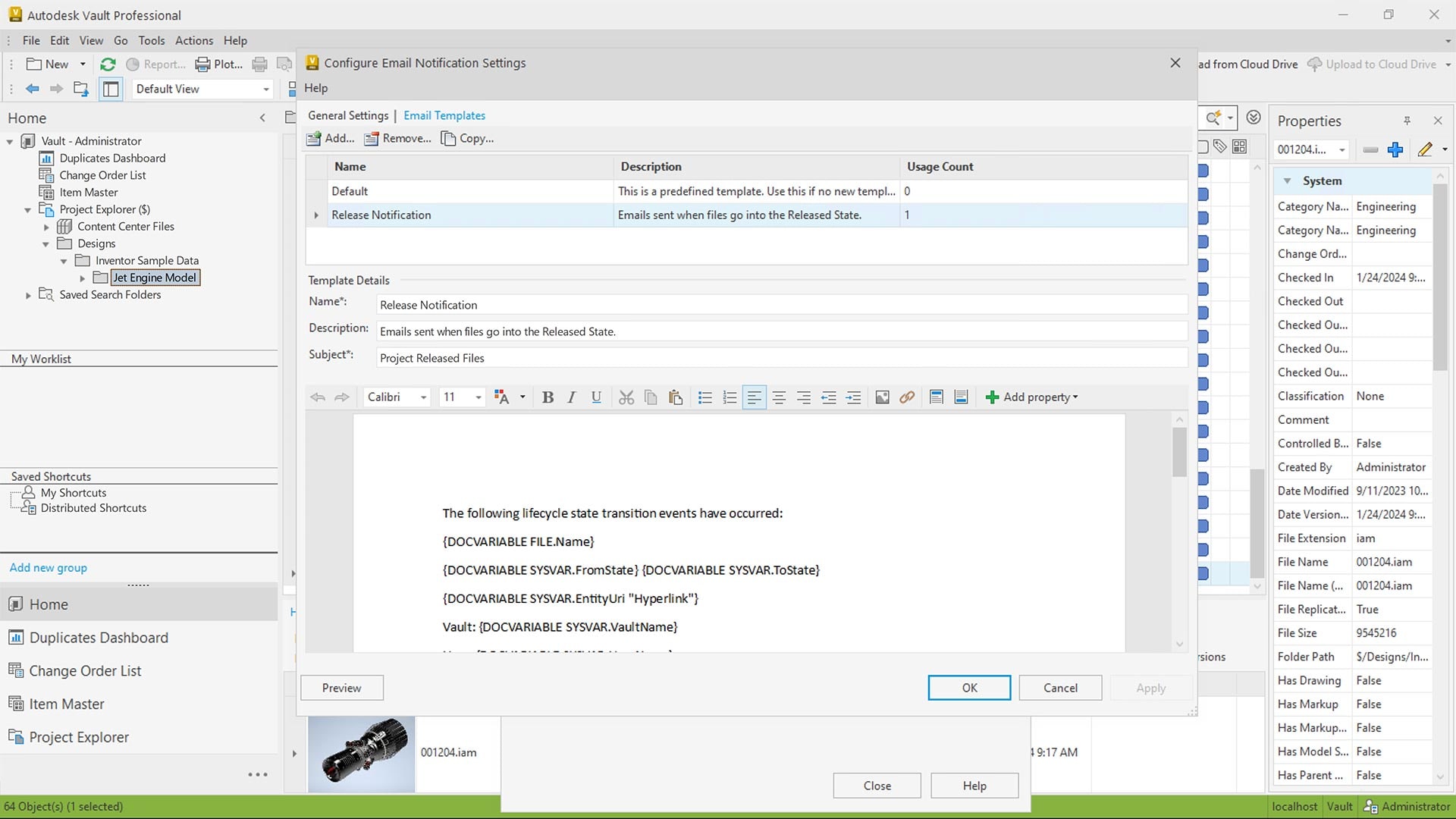
Autodesk Vault provides administrators with a range of tools to set standards for workflows such as design approvals and document releases.
Enable collaboration between stakeholders by sharing files and updating information while keeping access control in place.

Key capabilities
of Autodesk Vault

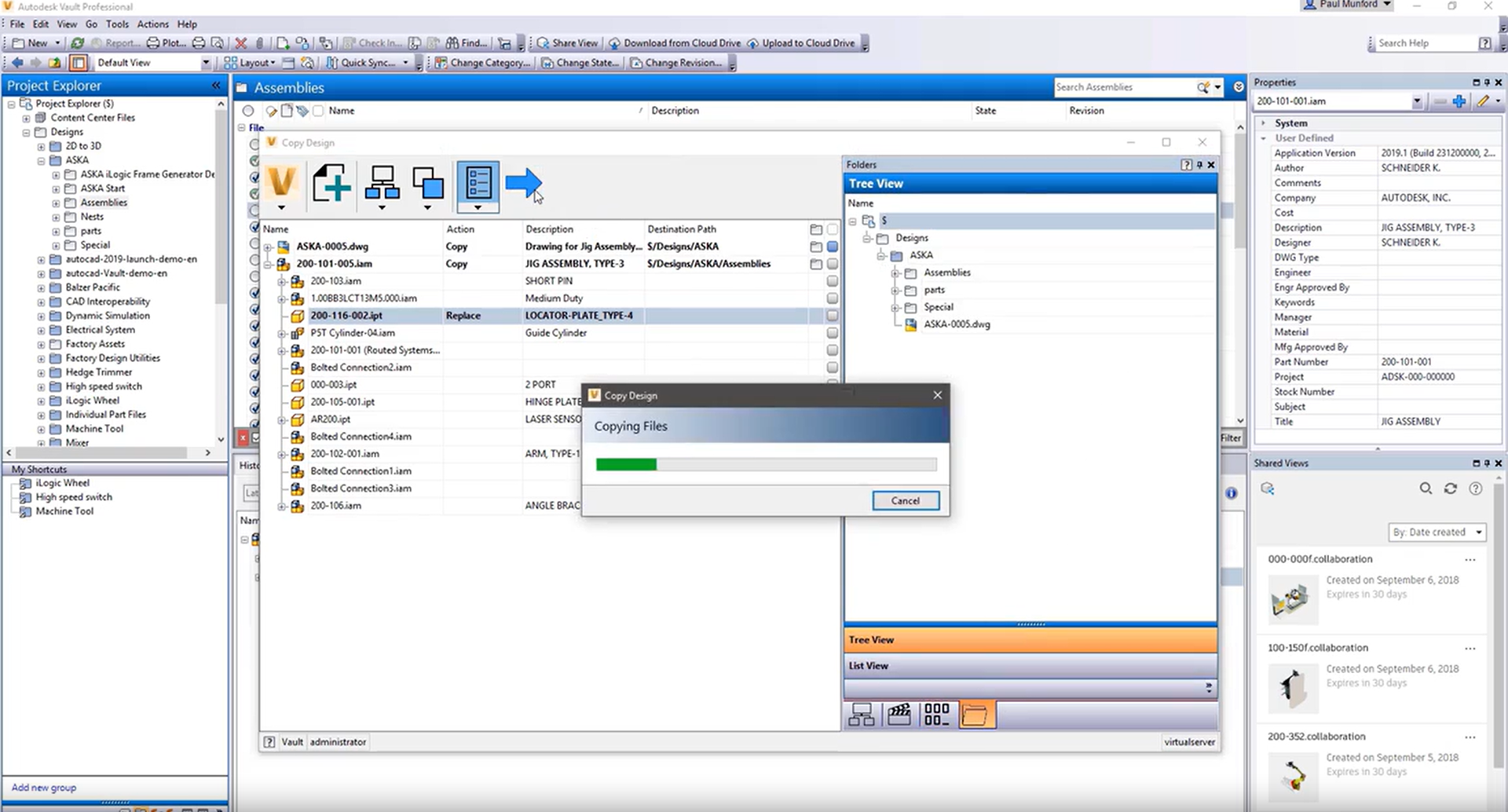
Data reuse
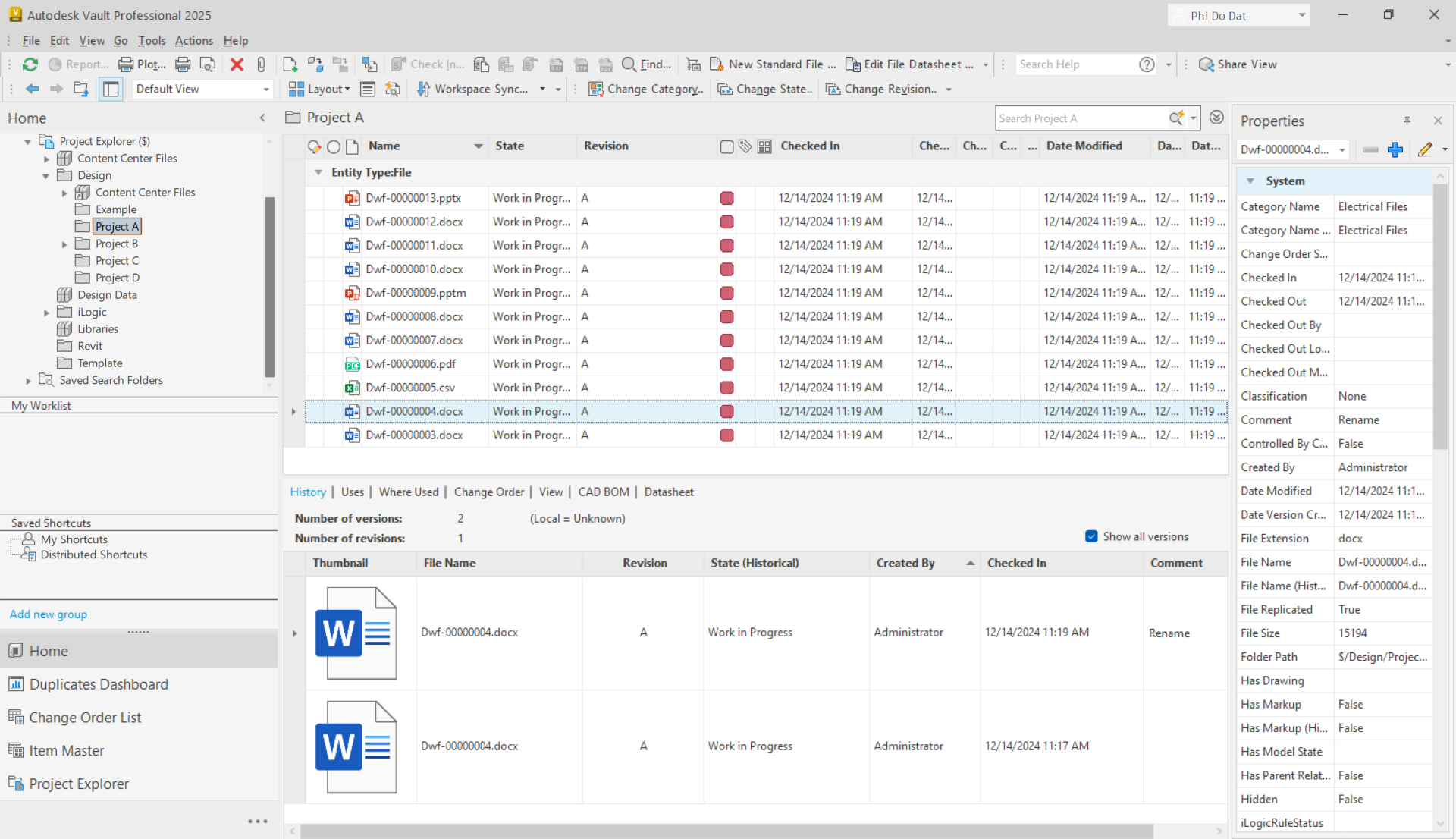
Save time by starting from an earlier design. Copy and reuse designs with ease.

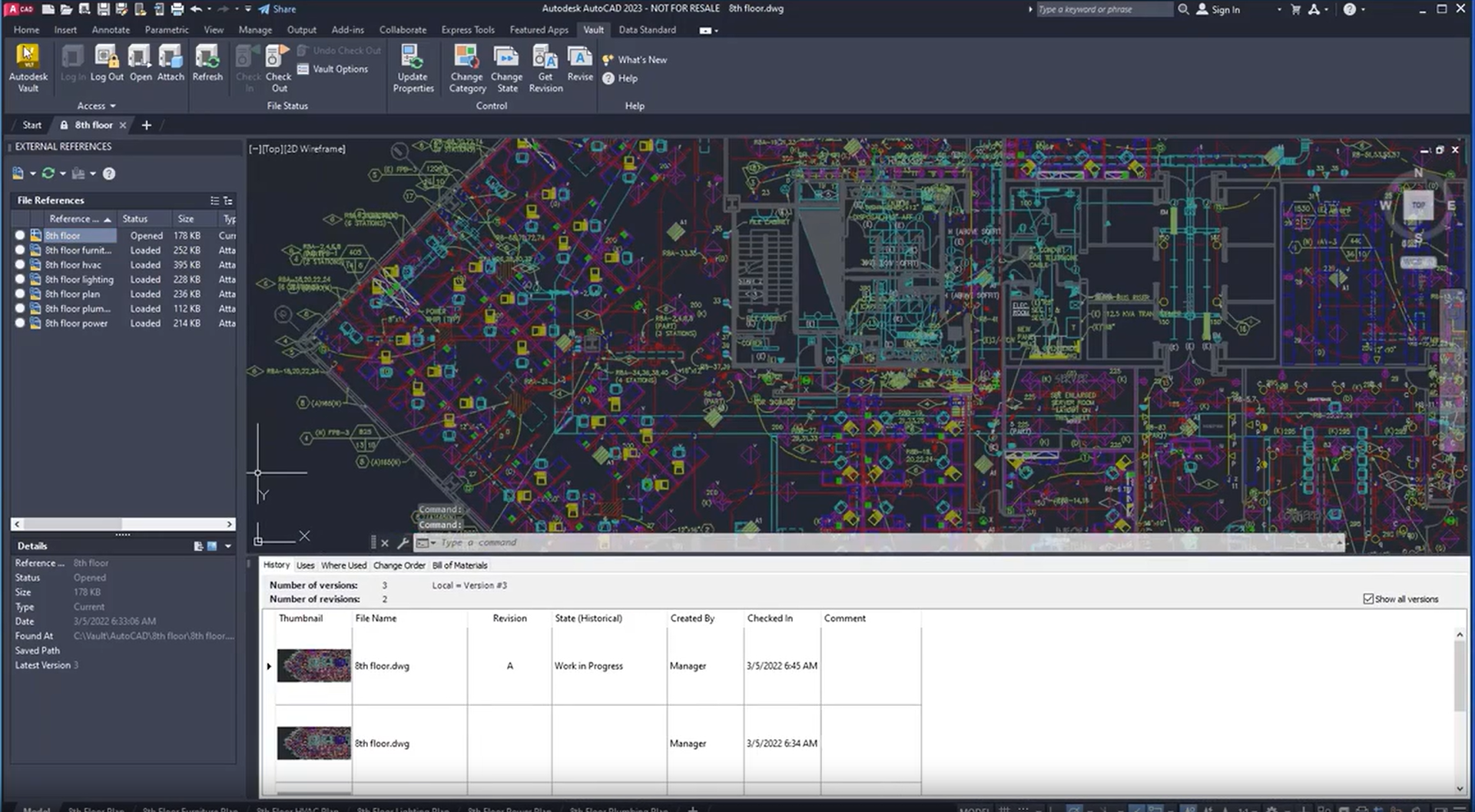
Integration with CAD software
Vault integrates into Autodesk design software, simplifying data synchronization.

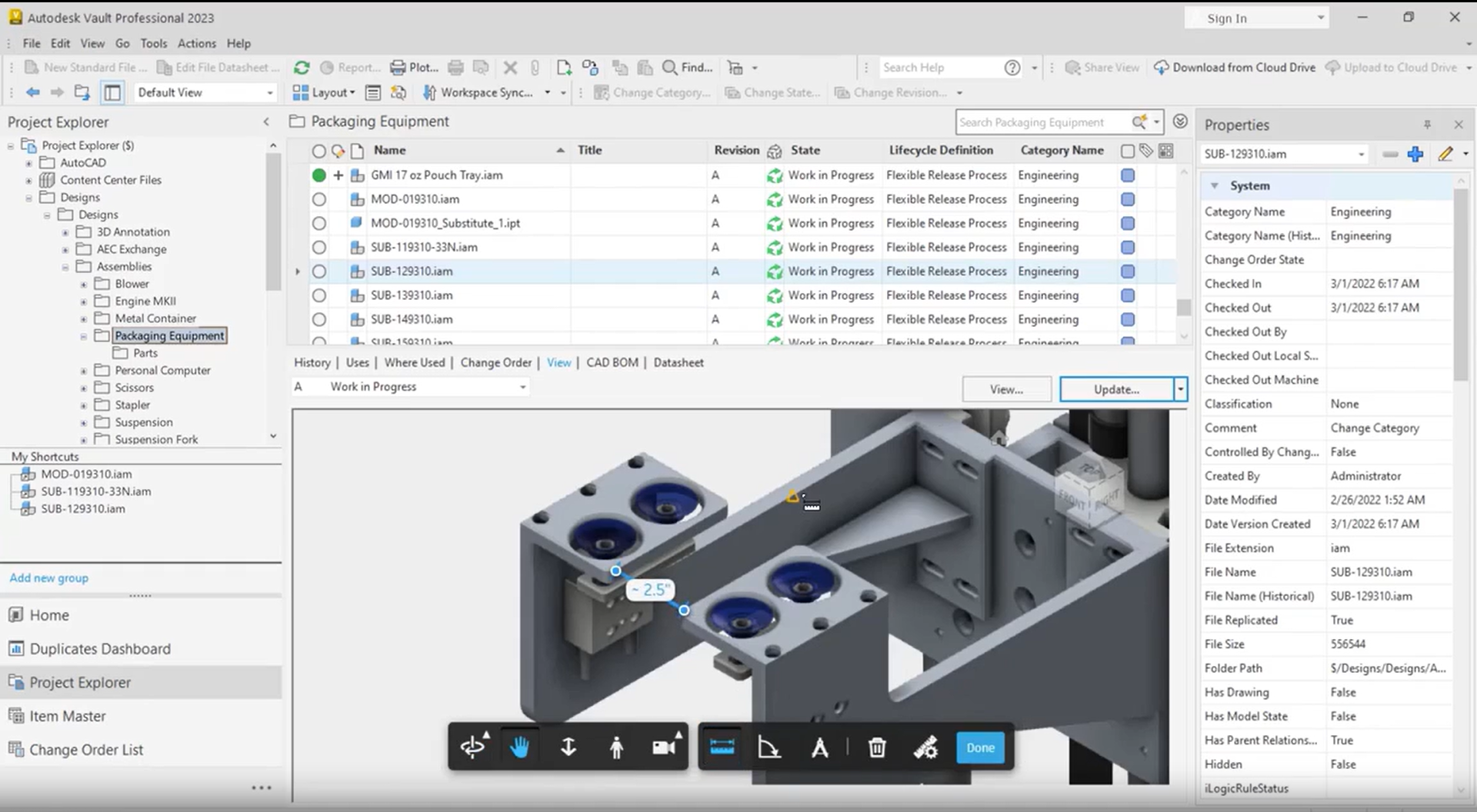
Design collaboration
Team members can easily access and work with the design while data stays secure.

Easy administration and configuration
Vault provides an accessible interface that helps you manage design data efficiently.

Microsoft Office support
Easily bring project data from Vault into Microsoft Office Word, Excel and PowerPoint.

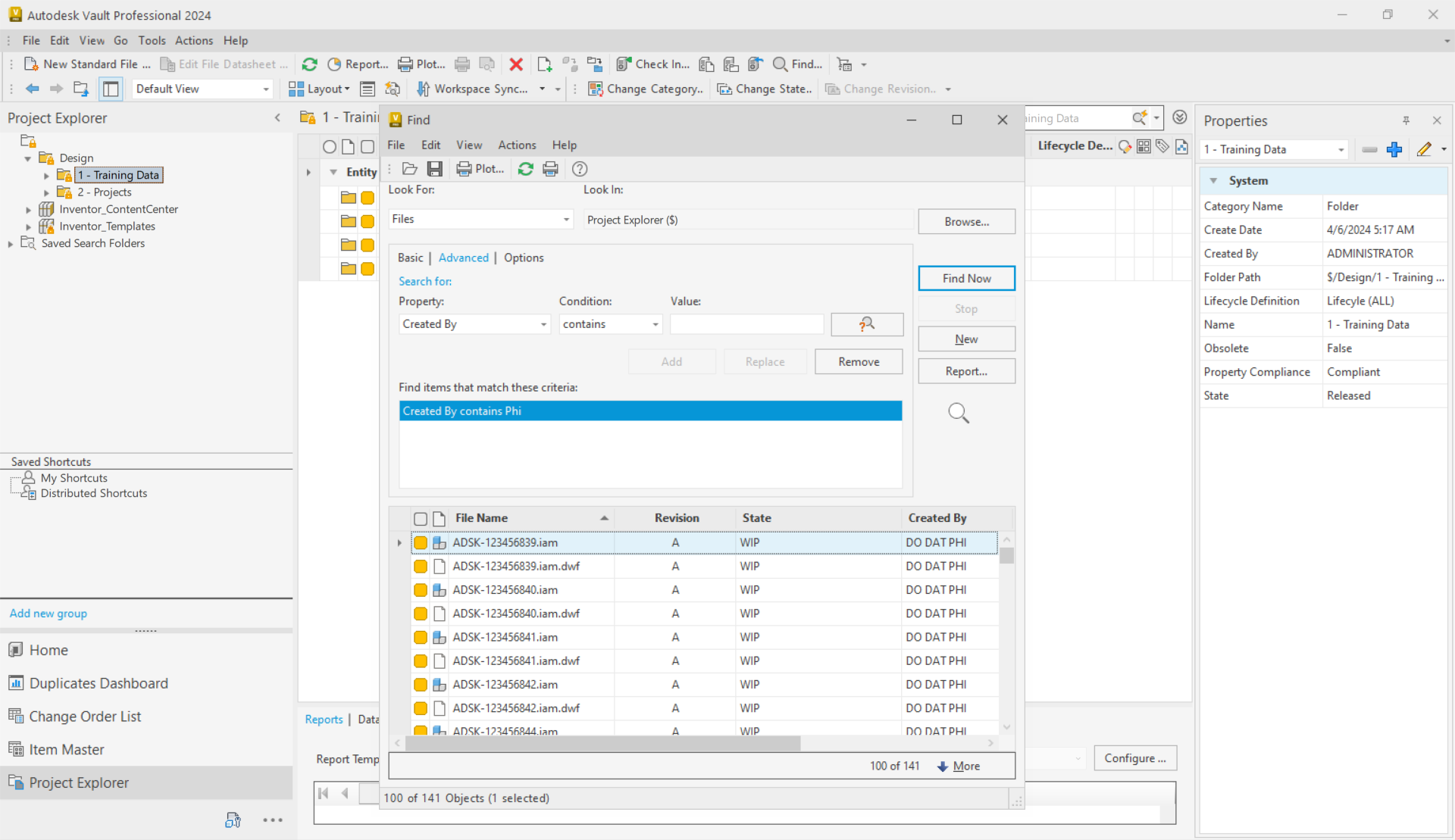
Fast data search
Access data faster and more efficiently with optimized searches and shortcuts.
Autodesk Vault deployment consulting from OneCAD Vietnam, a professional Autodesk software provider
Vault editions
- Vault Basic: Provides tools to track and update data. Included at no extra cost with Autodesk products such as the Product Design & Manufacturing Collection, Inventor and AutoCAD Toolset.
- Vault Professional: Full functionality for managing data, the product lifecycle and folder permissions. This product is sold separately.
Feature comparison
![]() | ![]() | |
|---|---|---|
| COST | ||
| Not sold separately | Paid | |
| FEATURES | ||
| CAD and non-CAD data management | ✔️ | ✔️ |
| Integrated interface | ✔️ | ✔️ |
| Centralized data | ✔️ | ✔️ |
| Easy deployment and configuration | ✔️ | ✔️ |
| Data information retrieval | ✔️ | ✔️ |
| Automatic versioning | ✔️ | ✔️ |
| Design reuse | ✔️ | ✔️ |
| Fast data search | ✔️ | ✔️ |
| Labels | ✔️ | ✔️ |
| Shortcuts | ✔️ | ✔️ |
| Custom view | ✔️ | ✔️ |
| Rename | ✔️ | ✔️ |
| Folder security | ✔️ | |
| Release management | ✔️ | |
| Engineering change process | ✔️ | |
| Automatic naming | ✔️ | |
| Shared View | ✔️ | |
| Share Data | ✔️ | |
| Project Sync | ✔️ | |
| BOM management | ✔️ | |
| Multiple servers | ✔️ | |
| ERP integration | ✔️ | |
Included at no extra cost with Autodesk Inventor and the Product Design & Manufacturing Collection
Vault is included with Autodesk licensed product collections. Contact us if you plan to deploy it.
Product Design & Manufacturing Collection
Product consultation
Frequently asked questions
What is Autodesk Vault used for?
Vault is used to manage data and automate workflows, and it integrates with Autodesk design tools and other CAD systems.
Who should use Autodesk Vault?
Engineers and designers use Autodesk Vault to optimize workflows and speed up product development. Everyone works from one well-organized central data source, which makes collaboration efficient, reduces errors and saves time.
How is Autodesk Vault structured?
Autodesk Vault has 2 parts:
- Vault Server:
- Where the data is stored.
- Connected over the internet or a local network.
- Vault Client:
- The bridge between the Vault system and the design software.
- Integrated directly into Autodesk design applications.
- Supports Check in, Check out and design copying.
What editions of Autodesk Vault are there?
There are 2 main editions:
- Autodesk Vault Professional.
- Autodesk Vault Basic.
What is Vault PLM used for?
Autodesk Vault PLM combines Vault Professional with Autodesk Fusion Manage to provide enterprise-wide collaboration for everyone involved in the product lifecycle, from engineering and the supply chain to quality and manufacturing.
Success stories

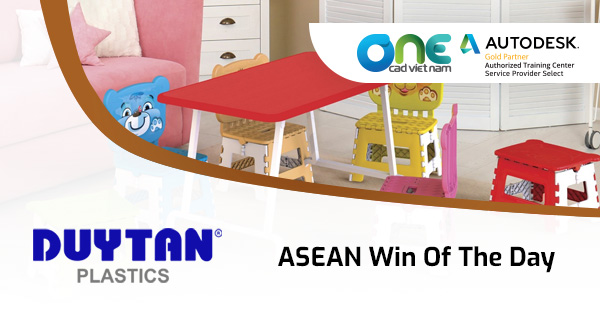
Duy Tan Plastics – Win of the Day
Consulting and solutions

Frequently asked questions about OpenSpace
- Integrated Digital Delivery
- BIM Information Lifecycle Management
- AI-Enhanced 360° Camera Monitoring for Construction Sites
- Applying BIM and CDE in the Construction Phase: Effective BIM Implementation through Autodesk's CDE
Inventor Professional vs Autodesk Fusion: Which One to Choose?
Autodesk Fusion vs Inventor Professional: compare system requirements, cost, cloud storage and ease of use to choose the right 3D mechanical CAD software.
Event: Autodesk AI in Construction – Enhancing Productivity and Unlocking the Value of Project Data
Discover Autodesk AI in construction and learn how AI can support design workflows, unlock project data, and enhance productivity with Revit and Autodesk Forma.
OneCAD Vietnam at the Vietnam Industrial & Manufacturing Fair – VIMF 2026
On June 17, 2026, OneCAD Vietnam participated in the Vietnam Industrial & Manufacturing Fair (VIMF) Binh Duong 2026, held at the World Trade Center…
Autodesk and OneCAD Celebrating AXANH 10-Year Anniversary Event
Vietnamese version On June 16, 2026, Autodesk and OneCAD Vietnam were honored to attend the 10th anniversary celebration of AXANH, a leading Vietnamese engineering…