Autodesk Fusion & CAM/CNC training
In-house Fusion courses for machine shops and product design teams — from 3D models and manufacturing drawings to 2.5–5-axis milling and turning CNC programming with post processors for your own machines; trained on real parts, with CAM specialist support after the course and Autodesk certificates.
- 6modules from 3D
to 5-axis - CNCTrain on your own
parts and machines - ATCAutodesk Authorized
Training Center
From design to NC program in one tool
Many shops design in one tool, program CAM in another and hand-edit NC code at the machine. Fusion keeps design, CAM and simulation on one model — change the design and toolpaths follow, with fewer errors and less scrap.
Program faster, right first time
Machining templates, tool libraries and cutting simulation — less programming time and fewer test cuts.
Learn on live projects
Exercises come from your real projects; instructors solve the exact problems your team faces.
Post processors for your machines
NC output runs straight away, with virtual machine simulation to avoid fixture and rotary-axis collisions.
Fusion & CAM learning path
Pick the modules that fit your team — the instructor combines them into one syllabus after the assessment.
Fusion 3D design
Sketches · Parameters · AssembliesParametric parts, surfaces, sheet metal, assemblies and motion joints.Drawings & data
Drawings · BOM · Data managementAutomated manufacturing drawings, bills of materials, versions and sharing in Fusion Team.2.5–3-axis CAM
Milling · Turning · DrillingStock and WCS setup, tool libraries, 2D/3D toolpaths, cutting simulation and NC output.4–5-axis CAM
Machining ExtensionPositional and simultaneous multi-axis machining, advanced toolpaths and on-machine probing.Posts & machine simulation
Post processors · Machine toolsSelect and tailor post processors to your machines; build virtual machines to check collisions before cutting.PowerMill · Inventor CAM
Advanced mould & die machiningFor mould shops and complex parts: high-speed 5-axis PowerMill and Inventor CAM inside Inventor.How the course runs
Skills and project assessment
A CAM specialist reviews your products, CNC machines, controllers and current programming workflow.
Tailored syllabus
Modules chosen by role: product design, CAM programming, machine operation.
Hands-on sessions
Exercises use your real parts; at your shop, at OneCAD or online.
Test and certificate
A final project: program and simulate a real part and output NC code, plus an Autodesk Certificate of Completion.
Standards hand-over
Tool libraries, machining templates, post processors and virtual machines built during the course are handed over.
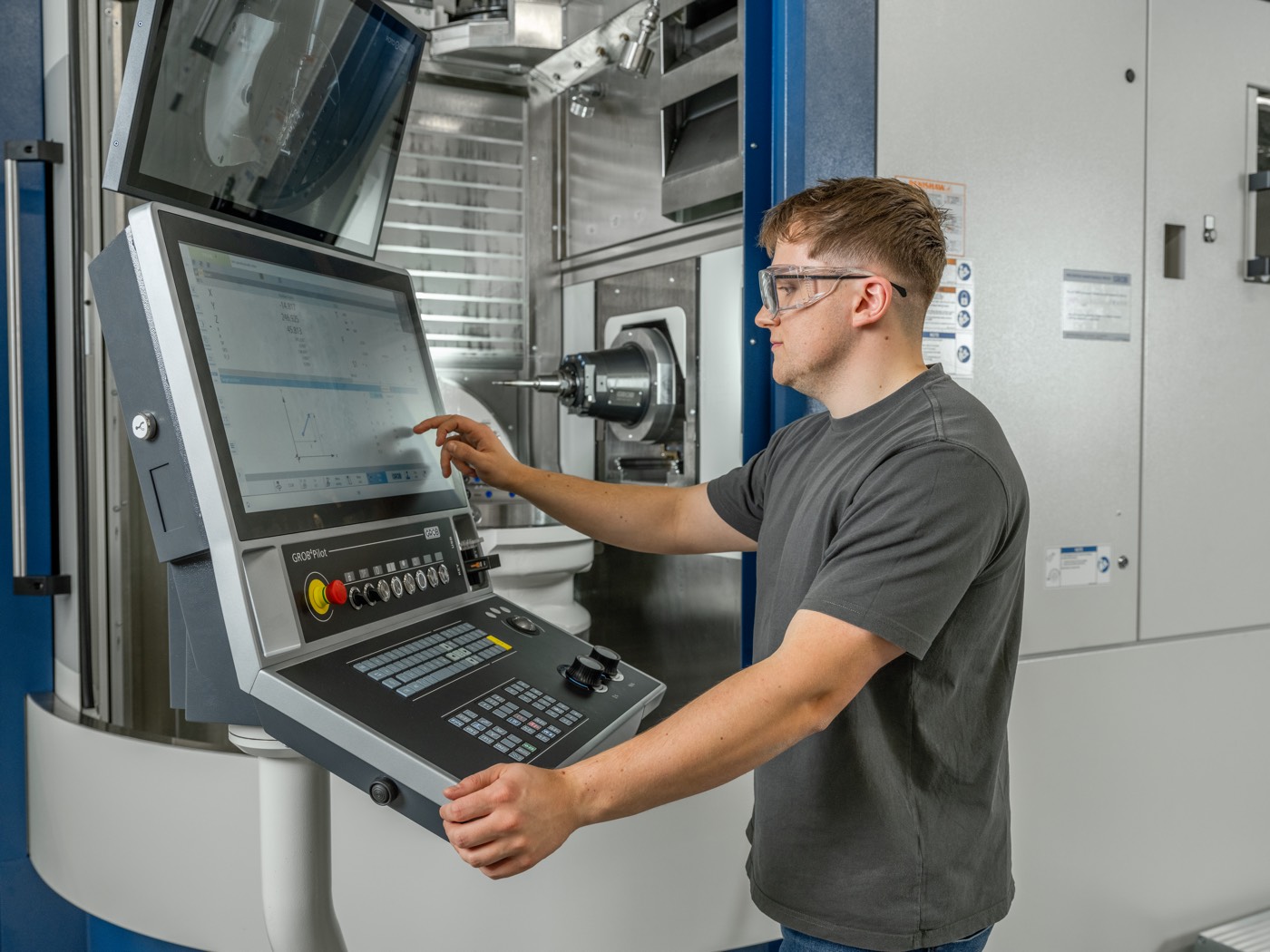 Image: Autodesk
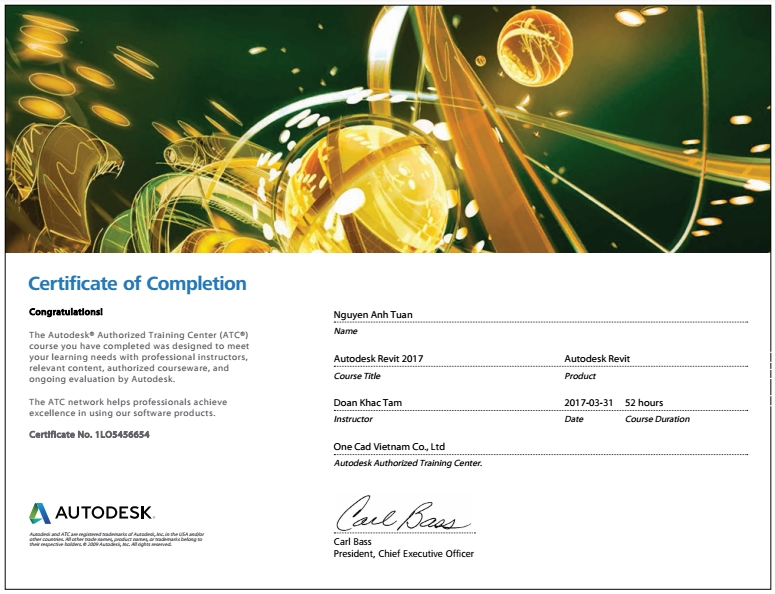
Finish with an Autodesk certificate
Learners who complete the course receive an Autodesk Certificate of Completion. Engineers who need a higher Autodesk Certified credential get advice on the right exam and can sit it at OneCAD, an Autodesk-authorised test centre.
- Autodesk Certificate of Completion via an authorised centre
- Verifiable credentials recognised worldwide
- CAM specialist support for your shop after the course

Fusion & CAM training FAQ
How is Fusion different from Inventor?
Fusion is cloud-based and combines 3D design, CAM, simulation and data management in one tool — a good fit for small and mid-sized shops. Inventor excels at large assemblies and machine design. Many companies use both; the instructor advises based on your products.
Which CNC machines does the course cover?
You train on your own parts and machines. The instructor selects or tailors post processors for your controllers (Fanuc, Siemens, Heidenhain, Mitsubishi…) so NC programs run straight away.
We use another CAM system — is switching to Fusion hard?
OneCAD offers conversion: we map your current process, rebuild tool libraries, templates and post processors in Fusion, then train programmers in parallel until the new workflow is stable.
Is there support after the course?
Yes. OneCAD CAM specialists help solve machining problems on real parts and optimise post processors and toolpaths after the course.
Is there a certificate?
Learners receive an Autodesk Certificate of Completion through OneCAD's Authorized Training Center.
How is Fusion training priced?
By number of learners, number of sessions and modules chosen (design, 3-axis, 5-axis, post processors). OneCAD sends a syllabus and quote after a free shop assessment.
Your team uses several products? See all Autodesk corporate training
Get a Fusion syllabus for your shop
Tell OneCAD your products, CNC machines and team size — a CAM specialist will send a syllabus and shop assessment schedule.